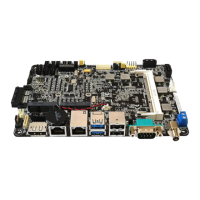
2-10
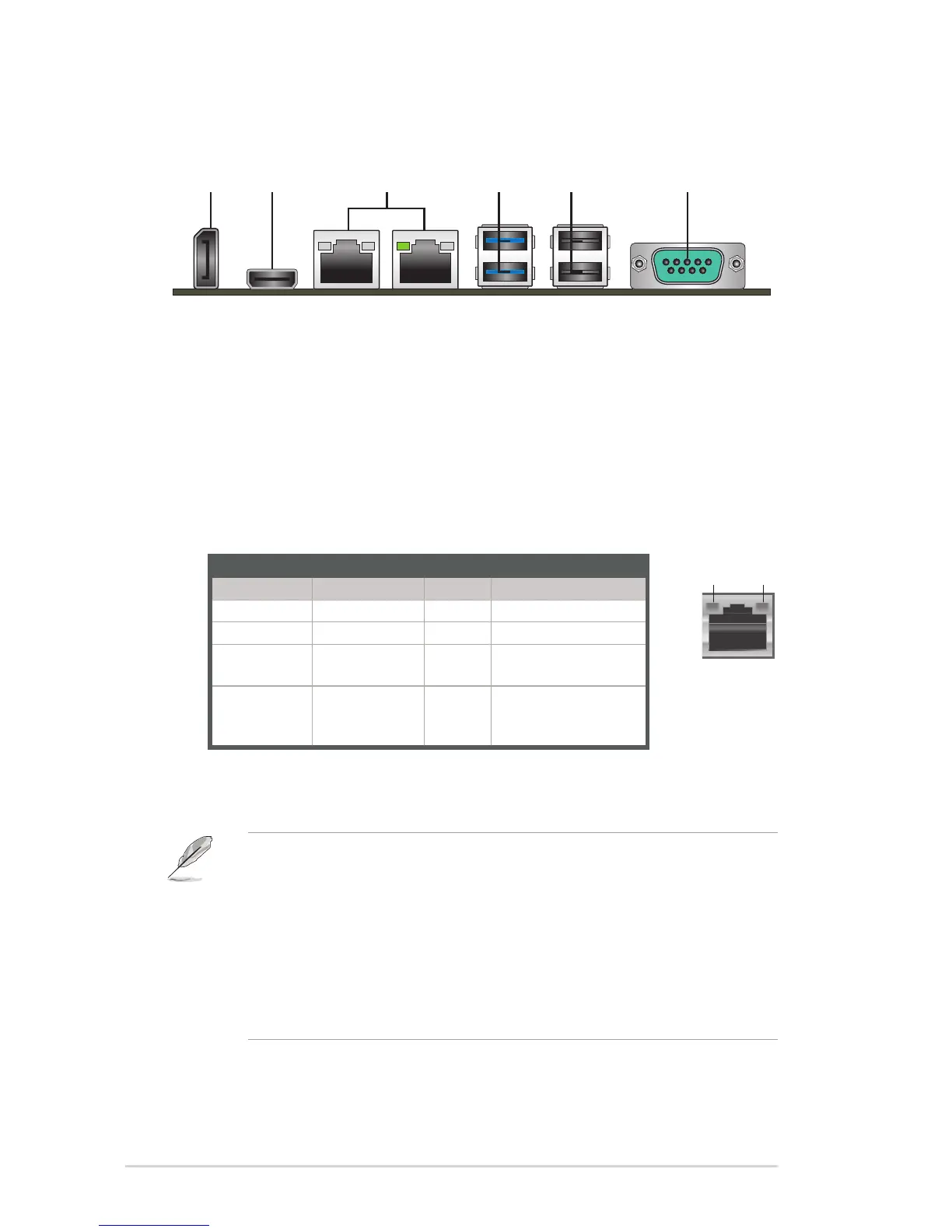
4. USB 3.0 port.This9-pinUniversalSerialBus(USB)portconnectstoUSB
3.0/2.0devices.
NOTES:
• USB3.0devicescanbeusedfordatastorageonly.
• DuetothedesignoftheIntel
®
300serieschipset,allUSBdevices
connectedtotheUSB2.0andUSB3.0portsarecontrolledbythexHCI
controller.SomelegacyUSBdevicesmustupdatetheirrmwareforbetter
compatibility.
• WestronglyrecommendthatyouconnectUSB3.0devicestoUSB3.0
portsforafasterandbetterperformancefromyourUSB3.0devices.
5. USB 2.0 ports.Thesethree4-pinUniversalSerialBus(USB)portsare
availableforconnectingUSB2.0/1.1devices.
6. COM port. This9-pinCOMportisforpointingdevicesorotherserialdevices
2.7 Connectors
2.7.1 Rear panel connectors
LAN port
Speed
LED
Activity Link
LED
1. DisplayPort connector. ThisportconnectsadevicewithDisplayPort
connector.
2. HDMI port.ThisportisforaHigh-DenitionMultimediaInterface(HDMI)
connector,andisHDCPcompliantallowingplaybackofHDDVD,Blu-Ray,
and other protected content.
3. LAN (RJ-45) ports.TheseportsallowGigabitconnectiontoaLocalArea
Network(LAN)throughanetworkhub.RefertothetablebelowfortheLAN
port LED indications.
LAN port LED indications
ACT/LINK LED SPEED LED
Status Description Status Description
Off No link Off
10Mbpsconnection
Orange Linked Orange 100Mbpsconnection
Orange
(Blinking)
Dataactivity Green 1Gbpsconnection
Orange
(Blinking
thensteady)
Readytowake
up from S5
mode
_ _



 To Next Page