Page 7 of 35
3.2 HOW TO FIX THE CASE
3.2.1 Metal case
The control panel weighs about 3.5Kg without batteries inside. When fixing the case at a
surface, make sure to use supporting elements fit to support this weight. In case reinforce the
surface if necessary.
Precaution: only qualified staff who is well acquainted with the procedures described in
this manual.
Insert the 230Vac net line in the case, keeping far away the same one from the printed
circuits and the rest of wiring.
Supply to the control panel through a suitable magneto-thermic power switch. The net
cable must have minimum section of 1.5mm and work voltage of 250Vac.
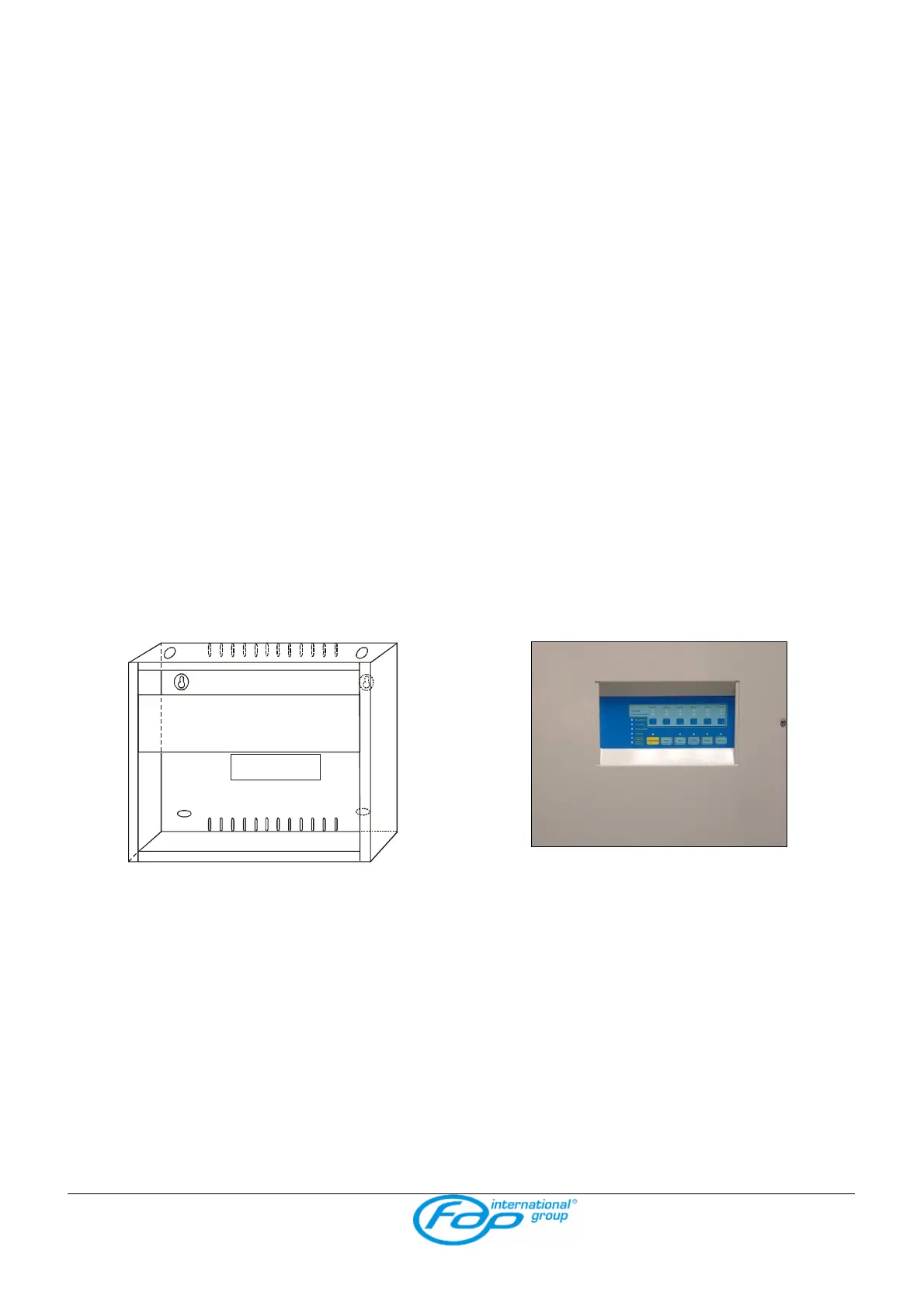
ASSEMBLY (see picture fig. 1)
1. open the control panel;
2. remove the complete panel of mother board;
3. punch out the pre-cut holes that are necessary to insert the cables;
4. install the case in the desired place using the four supporting holes;
5. replace the panel.
fig. 1



 To Next Page