CHAPTER 5
TWIN ROTOR MIMO SYSTEM
Installation and Commissioning Commissioning and Test Software
33-007-0 5-1
5. Commissioning and Test Software
5.1 STARTING THE SOFTWARE
Commissioning / Test software is supplied to check the operation of the Twin Rotor
MIMO System, before using the MATLAB driven control software.
Windows 95 installation
Insert the MIMO Commissioning / Test software disk in drive A: From the
Windows 95
Start
menu click on
RUN
and use the browse feature to locate the
MIMOTST.EXE
program on drive A:
Windows 3.1 installation
Insert the MIMO Commissioning / Test software disk in drive A: Start
File Manager
and click on the
MIMOTST.EXE
program drive A:. Click on
RUN
from the File
manager
File
menu.
DOS installation
Insert the MIMO Commissioning / Test software disk in drive A: Type in the
following DOS commands.
>
A:
>
MIMOTST
5.2 SOFTWARE OPERATION
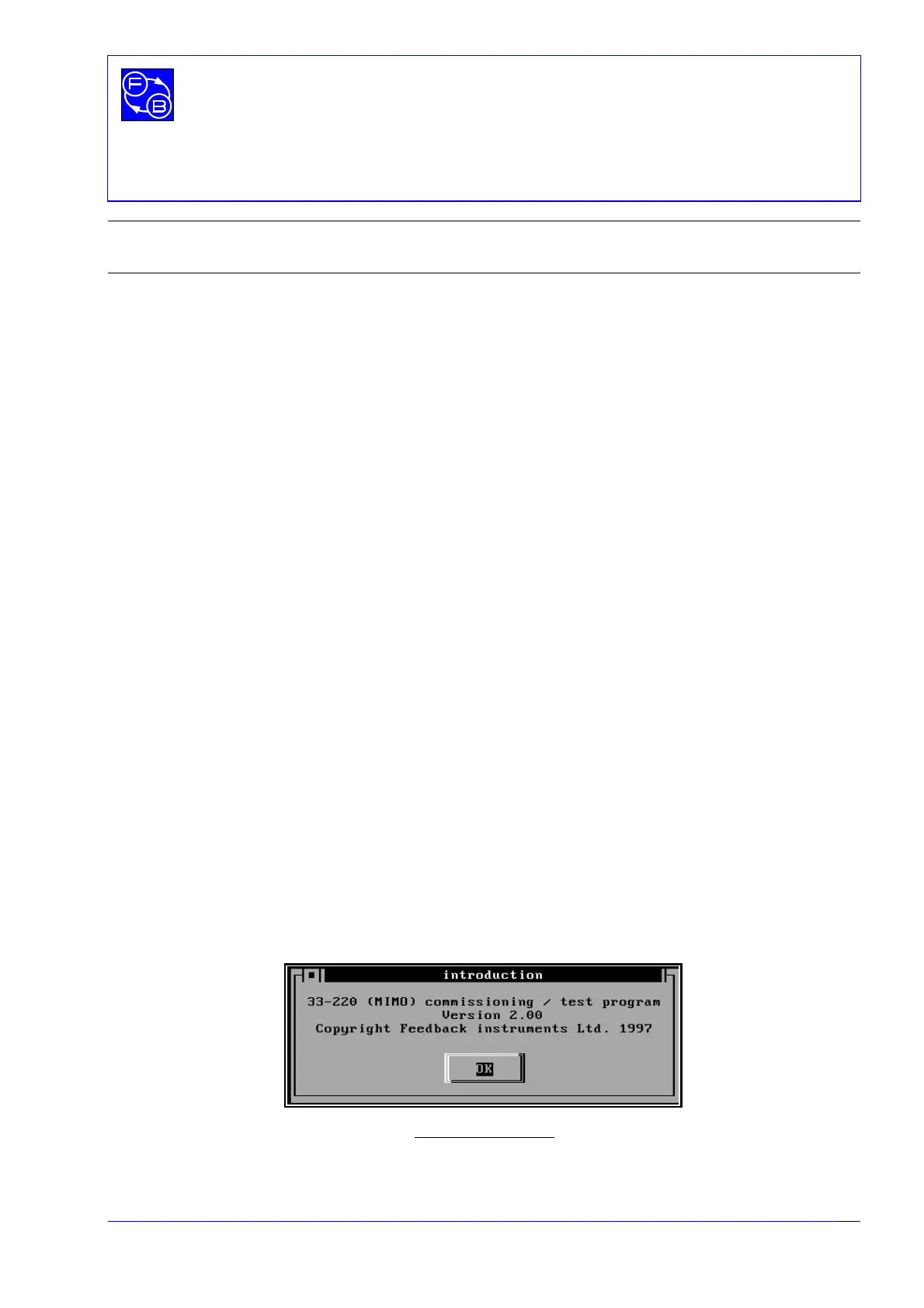
After starting the MIMO commissioning and test software you will see the following screen
presented.
Fig 5.1. Start screen


 To Next Page