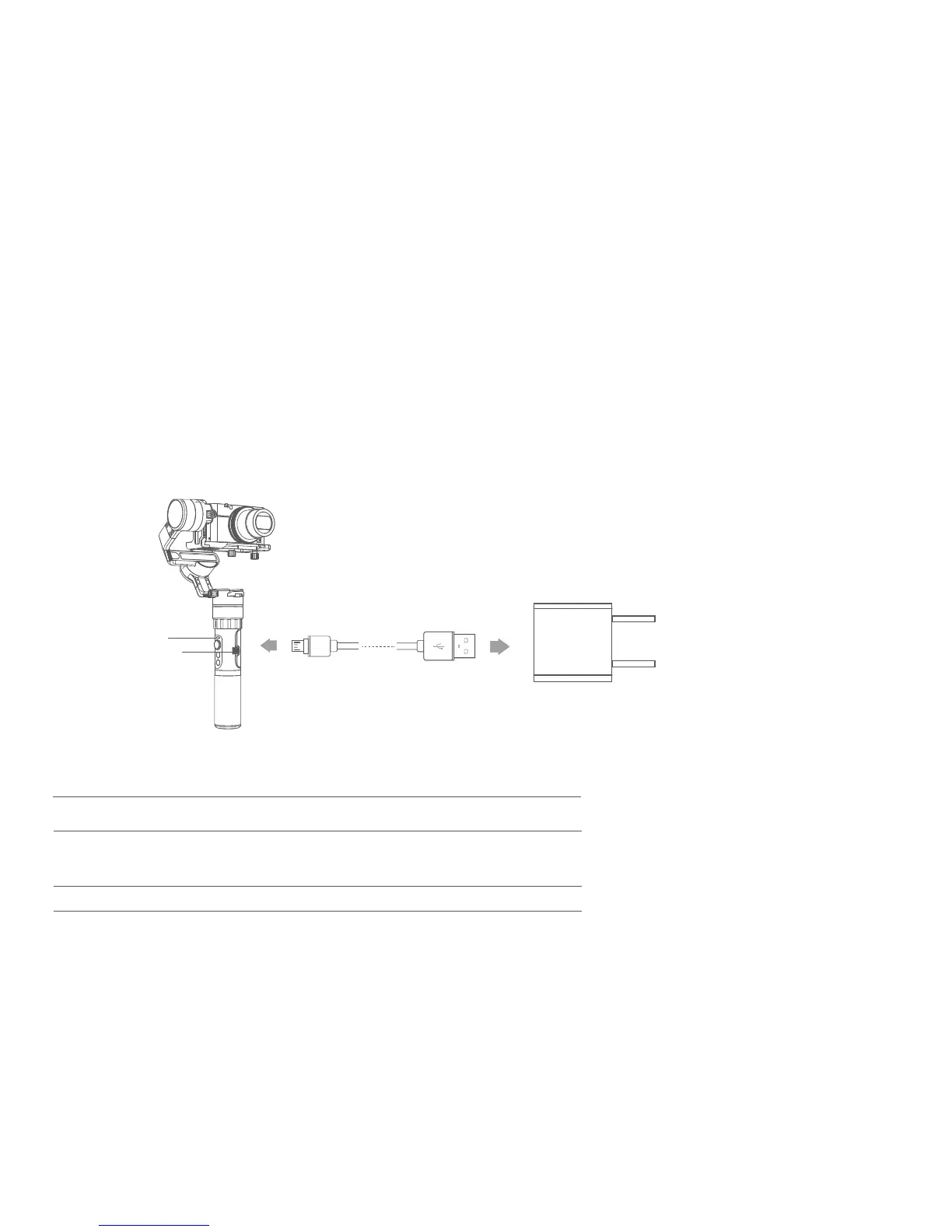
4. Charging
Photograph
The shutter button can take pictures via the shutter release cable.
Timing photograph: Long press the shutter button 3s or more, gimbal "drop" sound and enter the timing photograph mode,
the default 5s shot once.Single tap the shutter button to exit the timing photograph.
Manual photograph: Click the shutter button to focus, click again within 3s to take pictures.If there is no operation within 3s,
the focus state is cleared.
Status indicator
Charging indicator
Micro USB
Input:5V/1A
(equipped by user)
Explanation of Charging indicator status
Indicator status Mode / Status
Blue light,red light off
The blue and red light
are flashing
Stop charging
The voltage of two batteries balance ajustment
The blue and red light
Charging
(If the two batteries voltage difference between
the larger, the process takes a long time)
9















 To Next Page