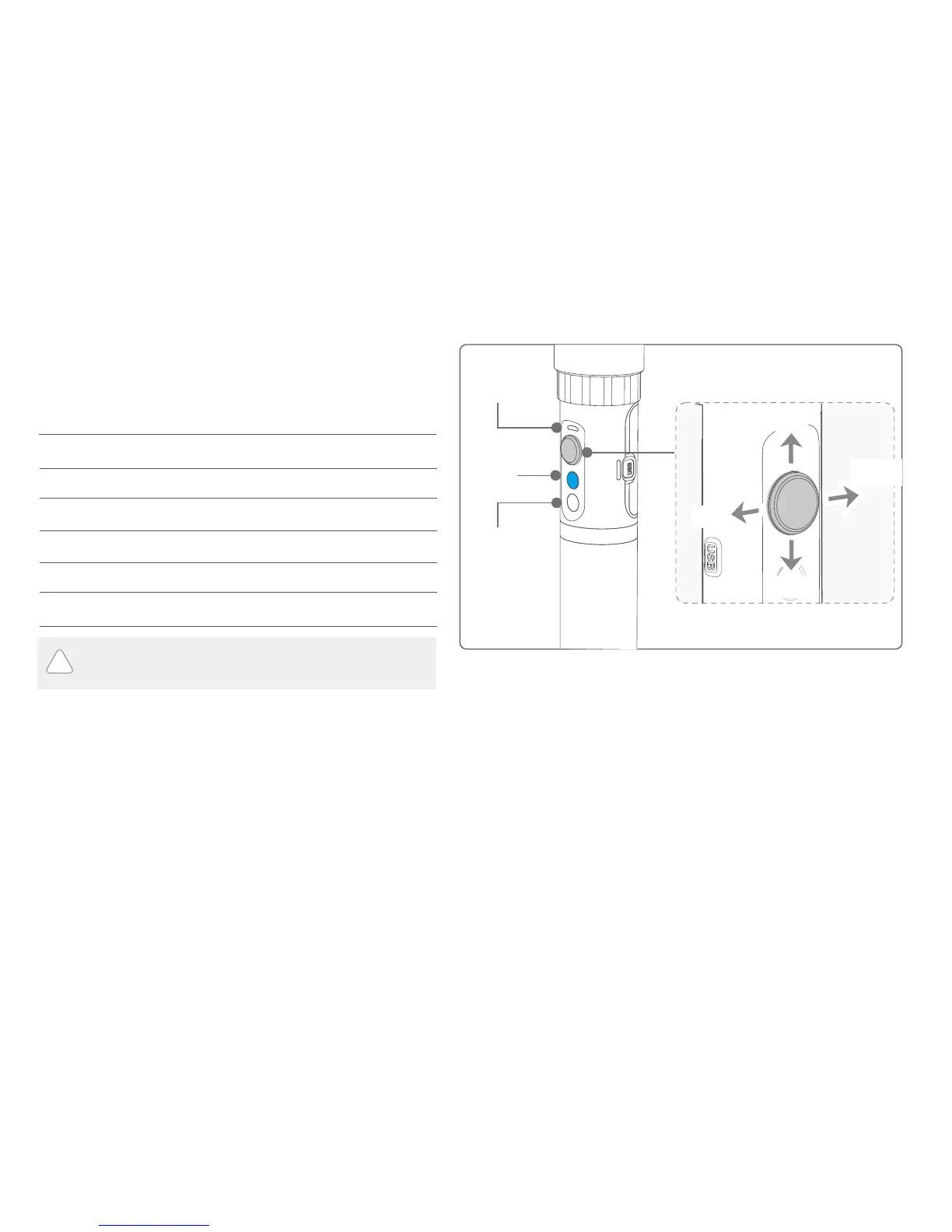
In case of low power, the indicator will light red and flash 3 times
every 5 seconds. Please charge gimbal or replace the battery.
The current mode of the gimbal can be identified
by the indicator status.
Explanation of indicator status
Indicator status Mode / Status
Blue light flashes once
Blue light flashes twice
Panning mode
Panning and Tilting mode
Lock mode / Initialize the gimbalBlue light constant on
Blue light keeps flashing Initialization failure / Malfunction
Low powerRed light flashes three times
Red light keeps flashing Entering power off
!
Explanation of joystick control
Function
Button
Shutter
button
Up
Status
indicator
Left
Right
Down
Panning Mode (Default mode )
Panning and Tilting Mode
Lock Mode
Reset
The orientation of the camera is fixed.
Return to panning mode, tilting and rolling to return to initial level.
Tilting and rolling direction are fixed, and the camera lens moves according to the hand movement of the user.
Modes
The rolling direction is fixed, and the camera lens moves according to the hand movement of the user.
6















 To Next Page