1
2
3
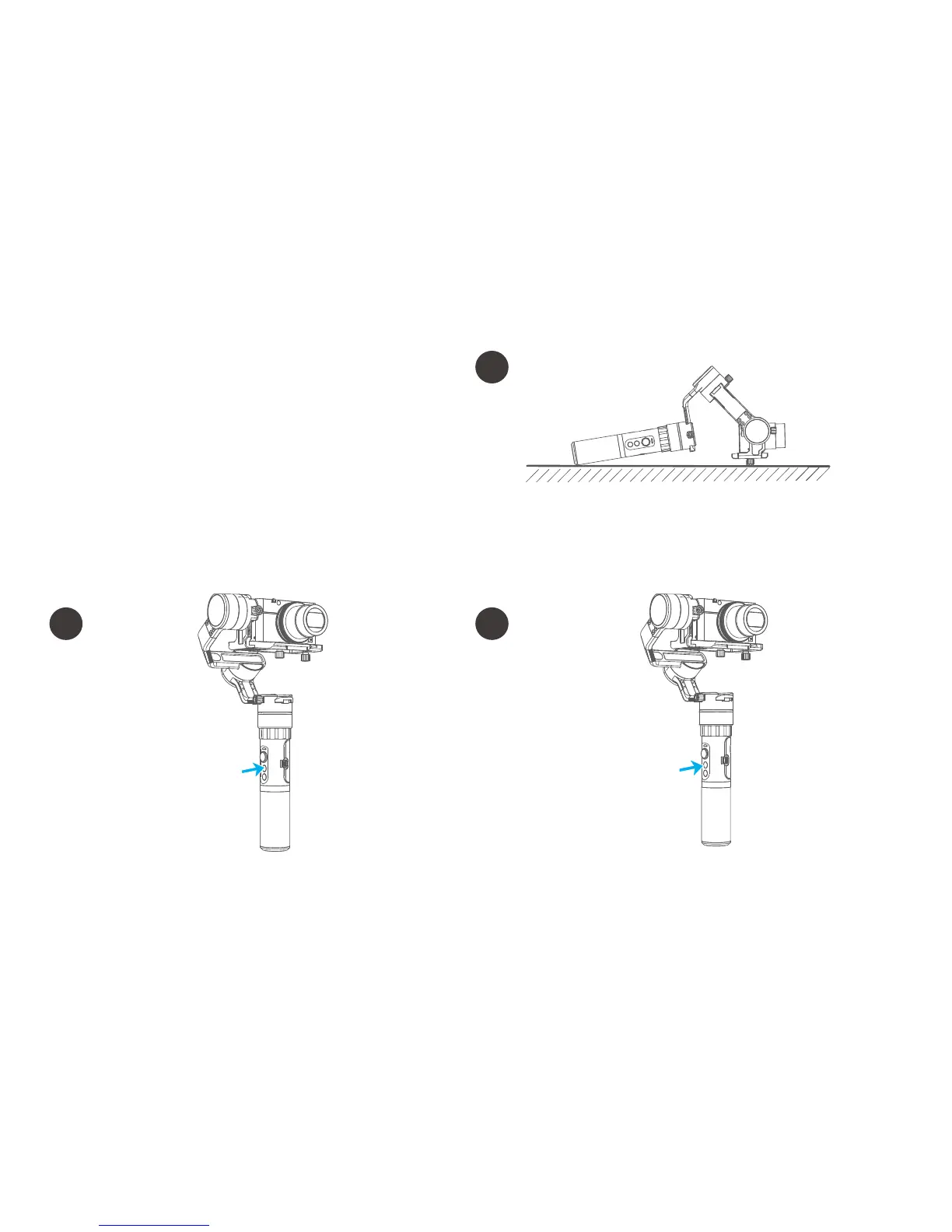
Place the gimbal still on a desktop. The gimbal
will automatically initialize when it detects being
static. The blue light cycles three flashes and then
initialization ends.
6. Gimbal initialization
Adjusting steps:
You can initialize your gimbal when:
(1) when camera is not level
(2) if not used for a long period of time
(3) in case of extreme temperature variations
After the initialization
is successful, click the
function button to
wake up.
Note: If the initialization is not successful for a long time, long press
the function button to turn off the gimbal,restart it and then initialize.
Five tap function
button, the motors
stop working after
the voice "drop" ,
the blue light is
always on.
11















 To Next Page