L
T
L
①
② ③
9. Balance Adjustment
STEP 1
(1)
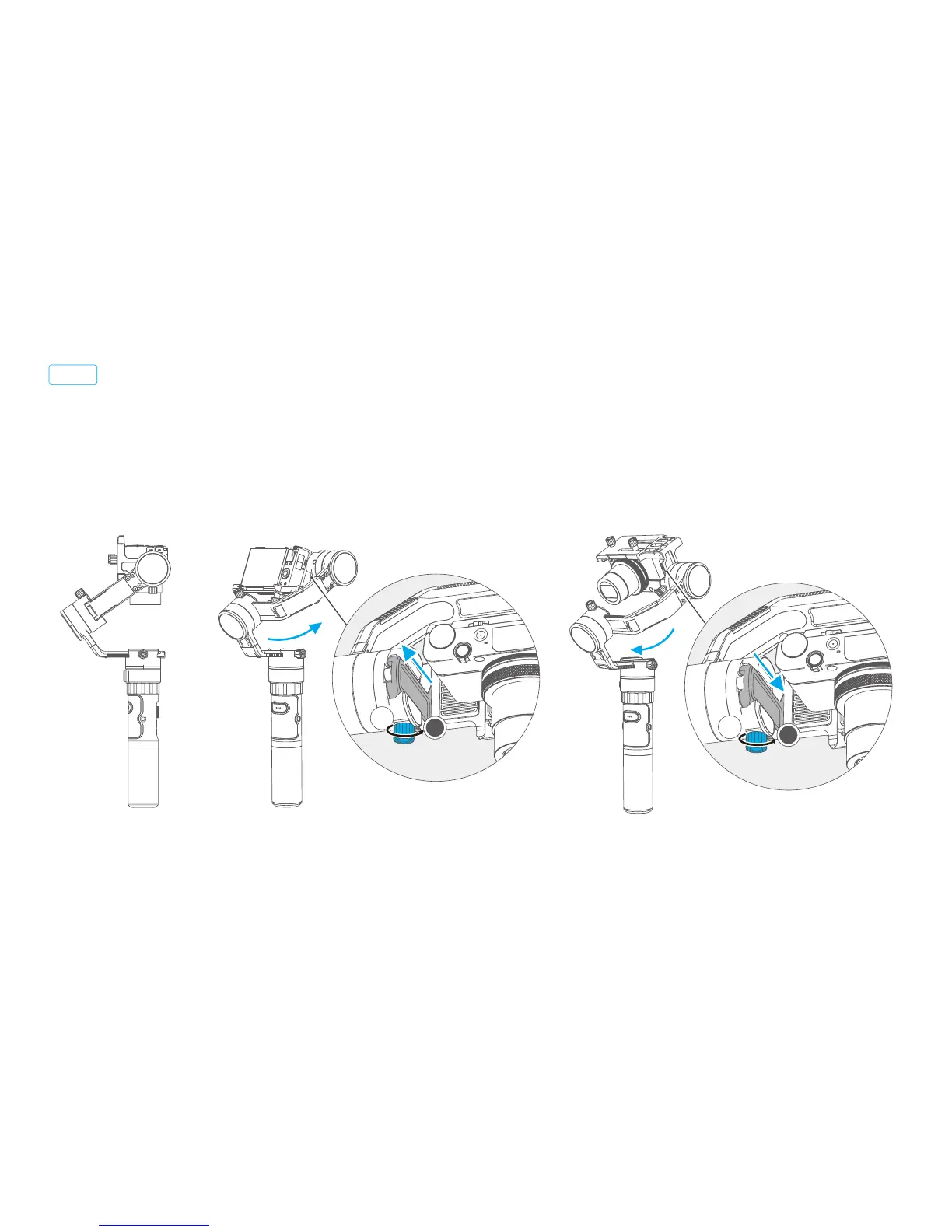
Adjust the center of gravity of the camera in two steps to the axis of rotation of the tilting axis.
Adjust the center of gravity position of the tilting axis up and down: Set the camera lens down vertically
with the hand arm maintaining level as shown in figure ①. Let go and observe the state of rotation.
Adjust the balance by moving the sliding arm up and down. (Refer to figure ② ③)
Balance adjustment of the tilting axis
* After adjustment, be sure to tighten the lock screw.
Normal vertical
Camera forward
Camera backward
Slide the
sliding arm down to adjust
Slide the
sliding arm up to adjust
14
T















 To Next Page