153
Select the export file format from the supported types:
Choose one of the following from the dropdown box:
Bitmap (.BMP), JPEG (.JPG), GIF (.GIF), TIFF (.TIF)
Or, choose to pack contents in .ZIP format by selecting the checkbox
below the dropdown box.
Select the target location. Use the Browse button to define a new folder or
accept the default location.
Enter a target file name. Do not include the file extension here.
The window at the bottom of the dialog box displays the export path and file
name entered.
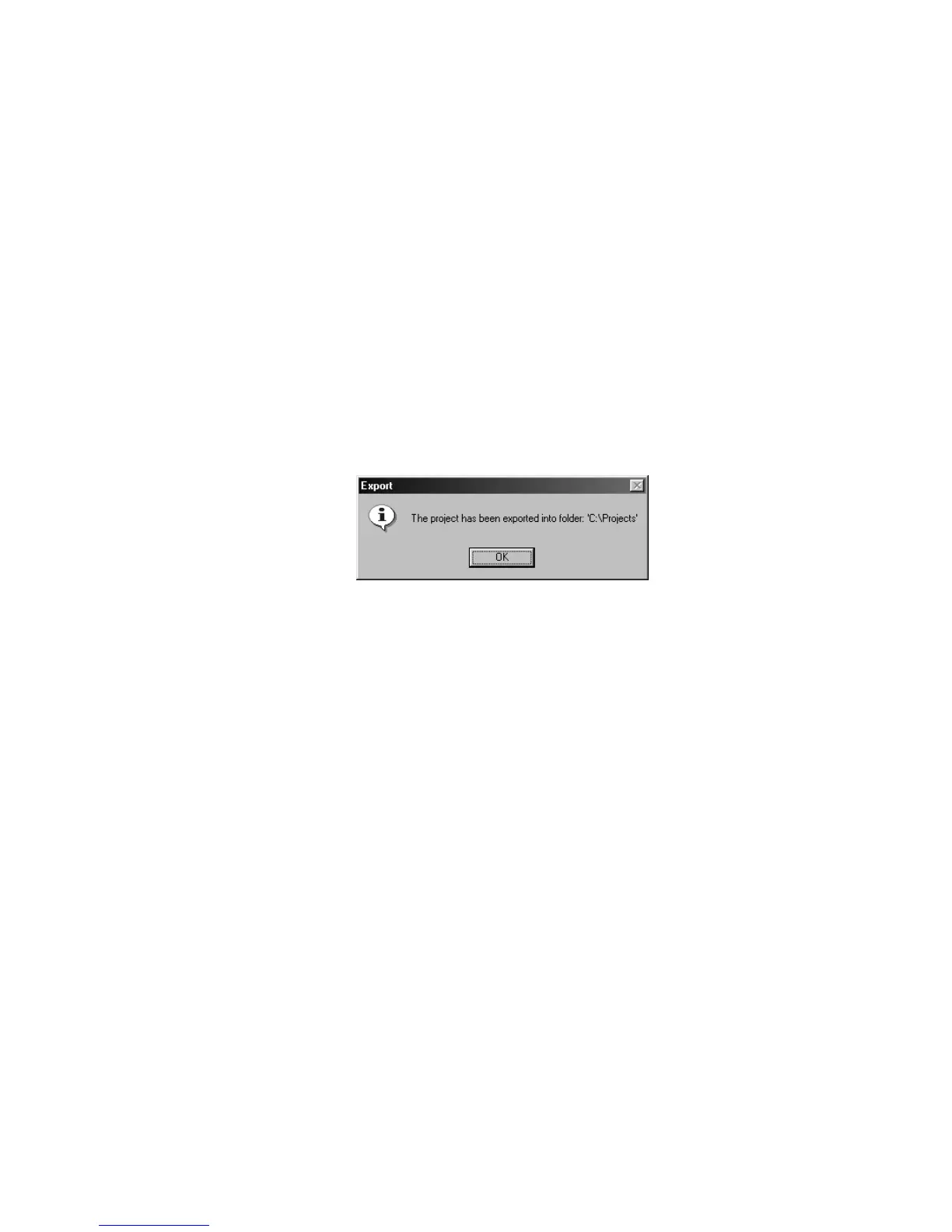
Click Export. A confirmation dialog box appears as shown below. Click OK
to close.
You can now have others view the label project
NOTE: This exported file is not meant for printing as the quality will be
reduced
Figure 6.52 – Confirmation dialog box



 To Next Page