36
Chapter 4: The Work Area
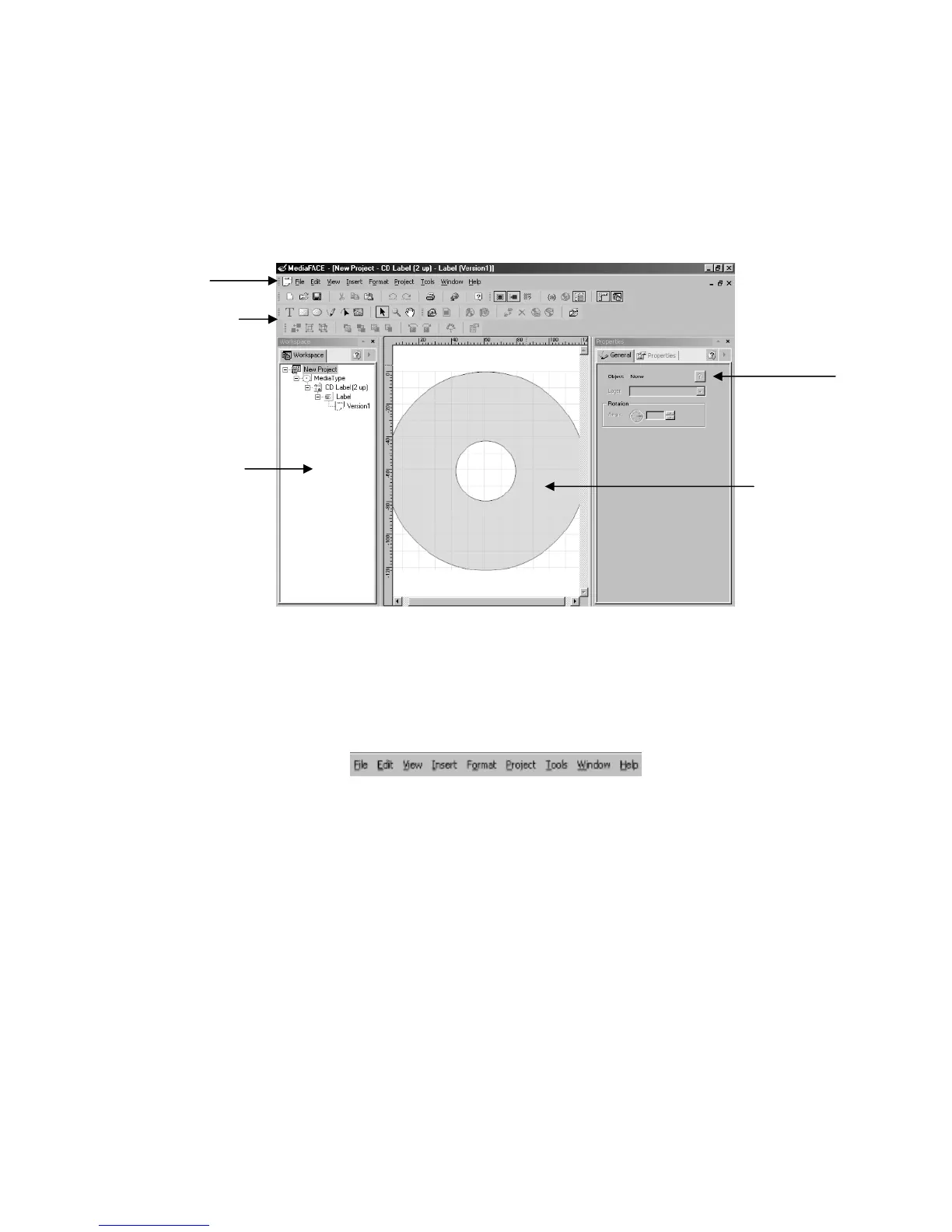
The main work area of the Advanced Interface has several components. These
components include menus, toolbars, palettes and window views. The main components
of the Advanced Interface are shown in the diagram below and discussed in detail.
Figure 4.1 – The main work area of the Advanced Interface
Menus
The Advanced Interface contains several menu options that provide easy access to its
features and tools. The main menu bar is pictured below and is followed by a complete
list of items contained within each menu.
File Menu
New – Allows you to create a new project based on a label template, project
template or theme.
Open – Allows you to open an existing project.
Close Project – Closes the current project.
Save – Saves the current project under the existing name.
Save As – Saves the current project under a different filename.
Print – Prints the current label project.
Print Preview – Allows you to preview the current label design before printing.
Calibrate Printer – Calibrates the printer so the design matches the paper layout.
Send by Email – Allows you to share projects or send a copy to Technical
Support as an attachment.
Exit – Exits the MediaFACE® 4.01 application.
Menu
Ba
Toolbars
Workspace
Navigator
Label
Workspace
General Properties
Palette



 To Next Page