44
Text Style and Text Effects
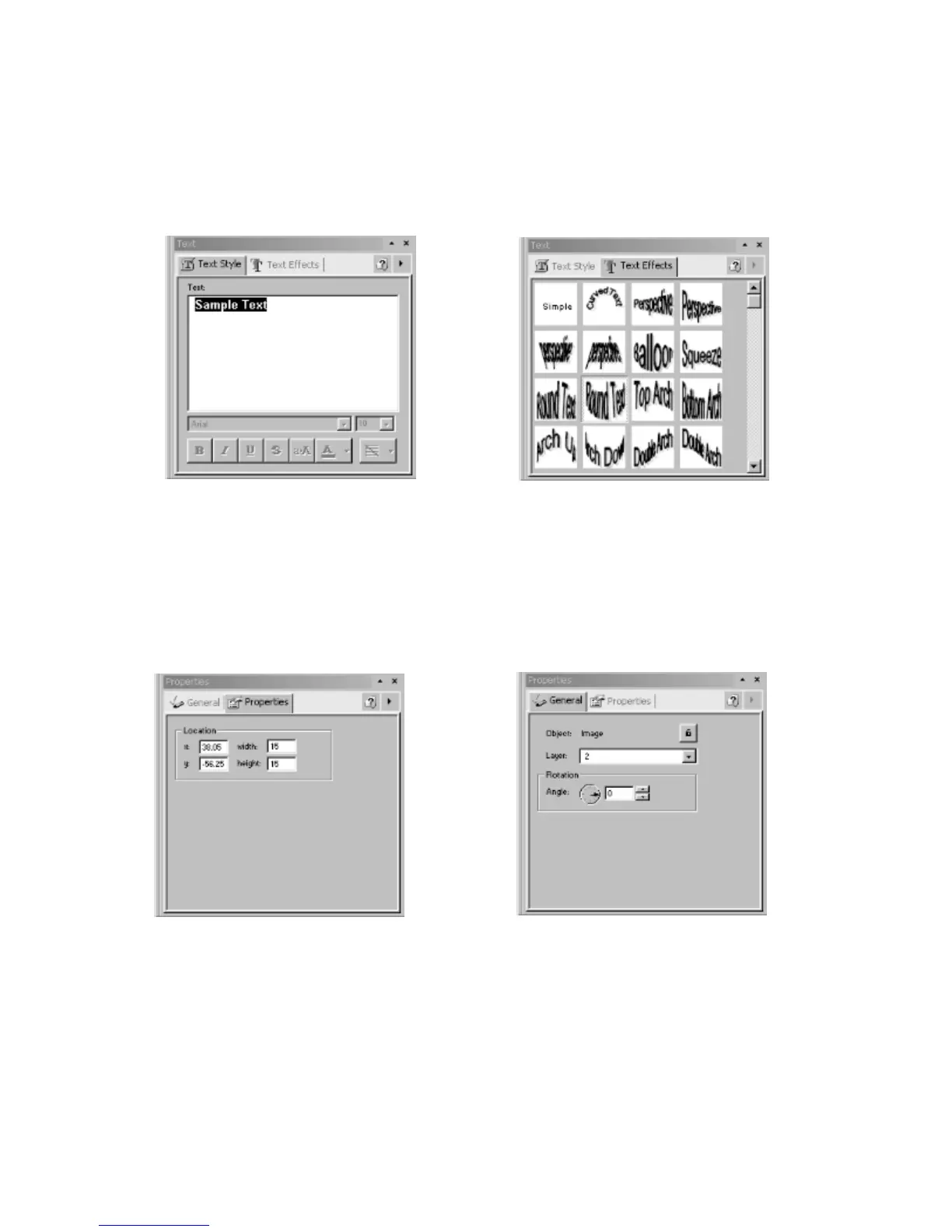
The Text Style and Text Effects palettes are used to apply effects to text objects.
Enhancements that can be made to selected text include font style and size, foreground
and background color, outline and shadow color and specialized text effects. The palette
dialog boxes are shown below:
Properties and General
The Properties palette contains specific object information. For all objects this palette
contains information about object location. The General Palette displays properties for
every object and also allows objects to be locked to prevent further changes. The palette
dialog boxes are shown below:
Workspace Navigator
The Workspace Navigator is a special palette that can be toggled on/off via the View
menu. When toggled on, it is usually located in the left section of the main window.
Figure 4.7 - Text Style Palette Figure 4.8 - Text Effects Palette
Figure 4.9 – Properties Palette
Figure 4.10 – General Palette



 To Next Page