89
Double-click on the text field. The mouse pointer changes to a small cross-
hair.
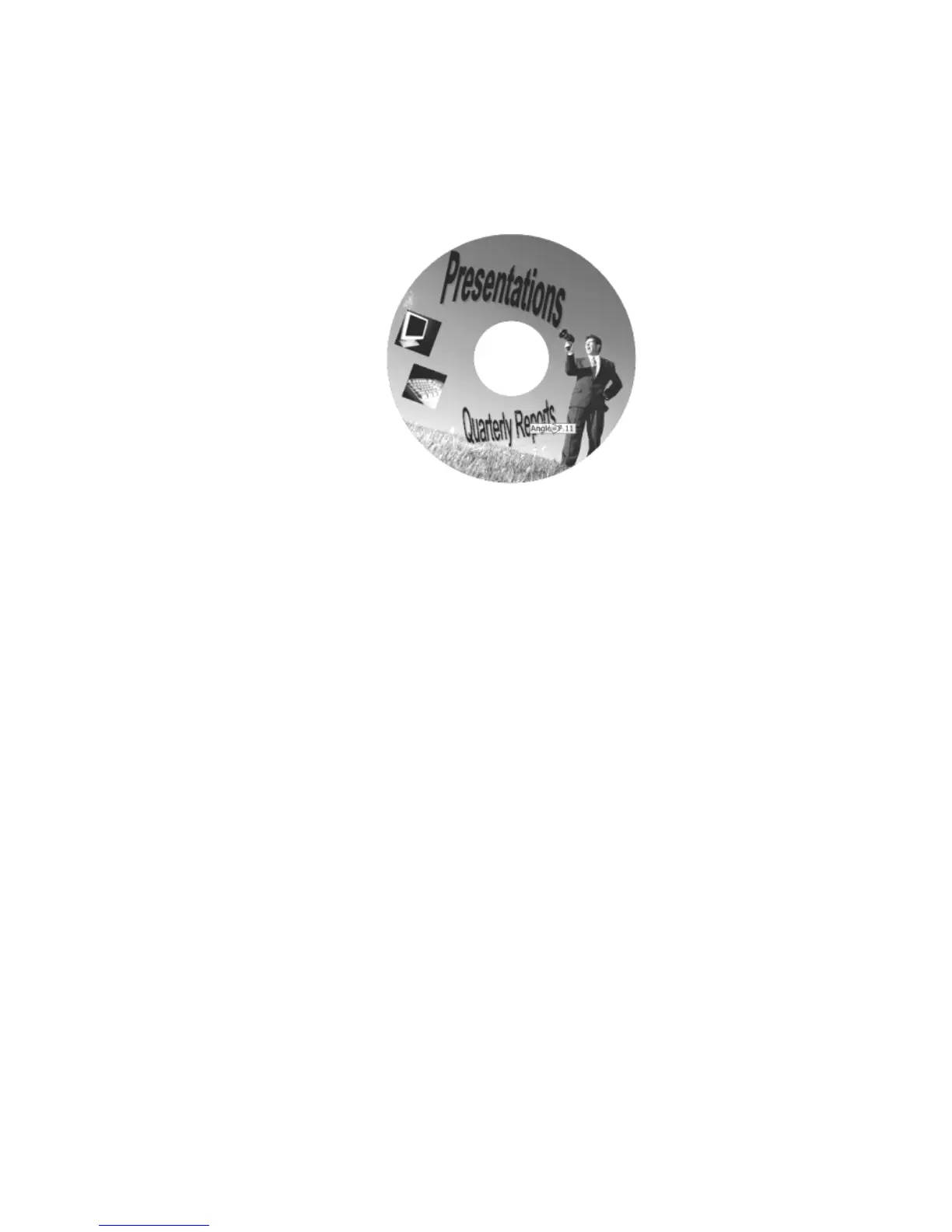
Hold down the left mouse button while moving the mouse in a circular
motion. As you rotate the text field, the angle value will be displayed.
Rotating the text fields
Finally, text fields can be deleted from your label very easily.
To delete a text field:
Left-click once to select the text field you want to delete.
Right-click and select Delete from the pop-up menu. You can also hit the
Delete key on your keyboard.
In the next section, you will be given general instructions for adding shapes to your label.
Shapes
MediaFACE® 4.01 allows you to add several shapes to your label. These shapes include
rectangle, ellipse and line tool. The following section includes steps for creating and
modifying each object.
Rectangle
To insert a rectangle
:
Select Insert>Tools>Rectangle from the menu.
Left-click and hold the mouse button down. Then drag the mouse diagonally
to insert the rectangle.



 To Next Page