88
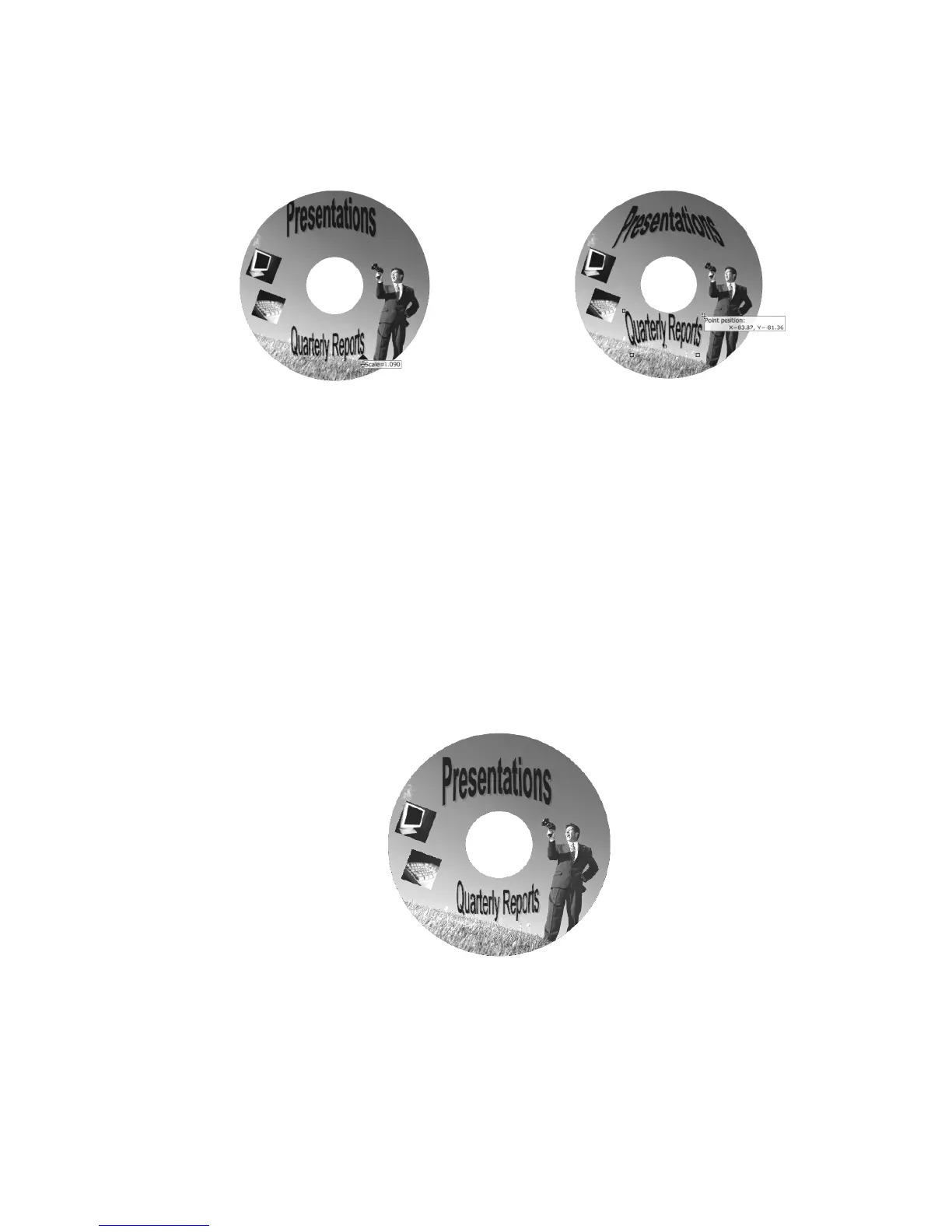
The following diagrams show each text field after it’s been resized with scaling and
without:
Scaling a text field Resizing a text field
Now we will move the text fields to a new position and try to center them more on the
label. Complete the steps below for each text field:
To move the text field:
Left-click once to select the text field. The mouse pointer changes to the
Move/Edit tool.
Left-click once and hold down the mouse button while dragging the mouse.
Release the mouse button after you’ve moved the text field to its new location
on the label.
Your label should look similar to the one shown below after the text fields have been
moved:
Moving the text fields
Next, we will rotate the angles of the text fields. Complete the steps below for each text
field:
To rotate the text field:



 To Next Page