152
3D Preview
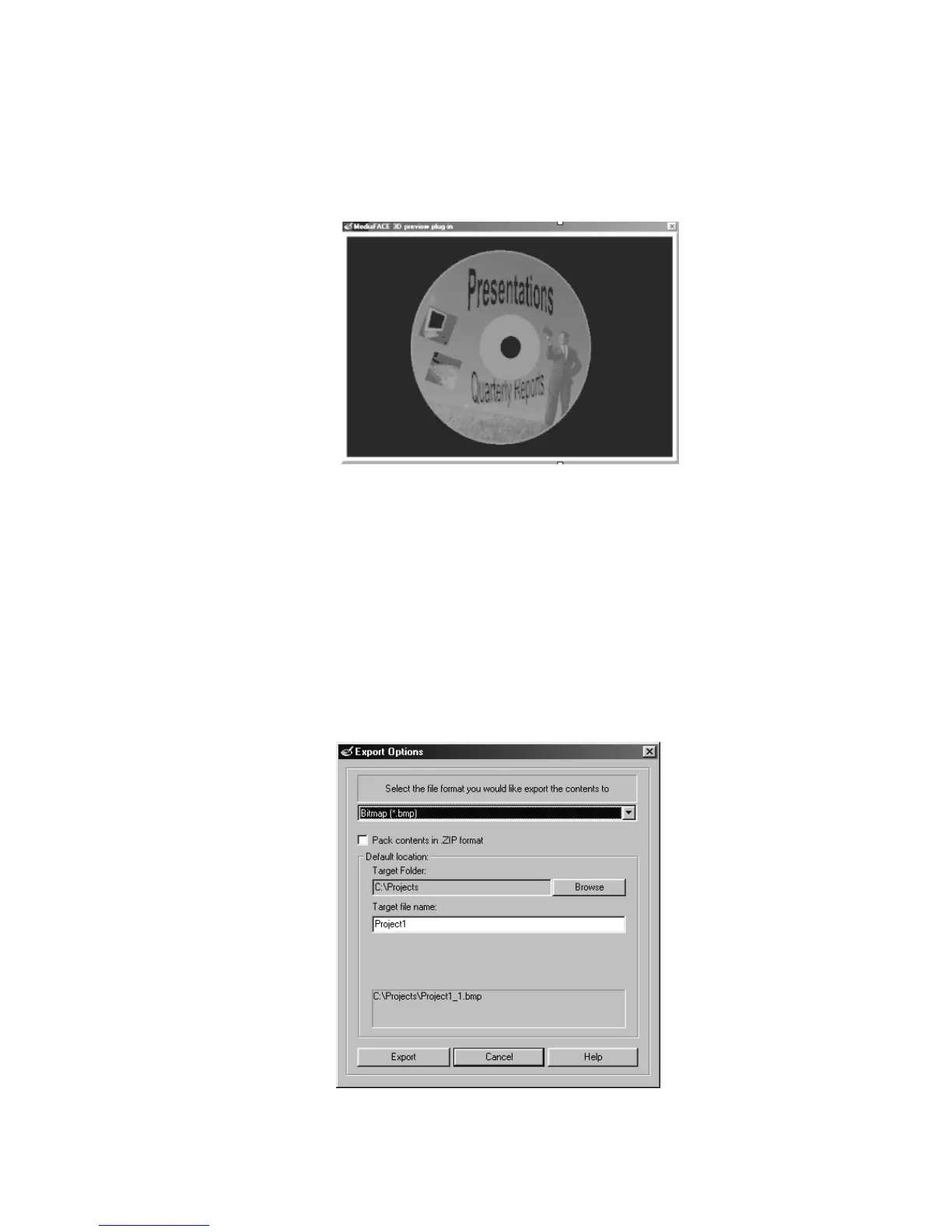
Select Tools>3D Preview from the menu. The MediaFACE 3D preview plug-in dialog
box opens and displays a moving 3D color preview of the current project, as shown
below:
Figure 6.50 – 3D preview of project
To end the preview, click the small ‘X’ icon in the top right-hand corner of the box.
Export
The Export feature allows you to save a MediaFACE® 4.01 project as a different file
format. Formats supported include .JPG, .BMP, .TIF, .GIF and .ZIP files. Saving a
MediaFACE® 4.01 project as an image file format allows users without MediaFACE®
4.01 to view your label. Exporting takes the first version of each label in the project.
To export a project:
Select Tools>Export from the menu. The Export Options dialog box opens as
shown below:
Figure 6.51 – Export Options dialog box



 To Next Page