32
Saving Your Project
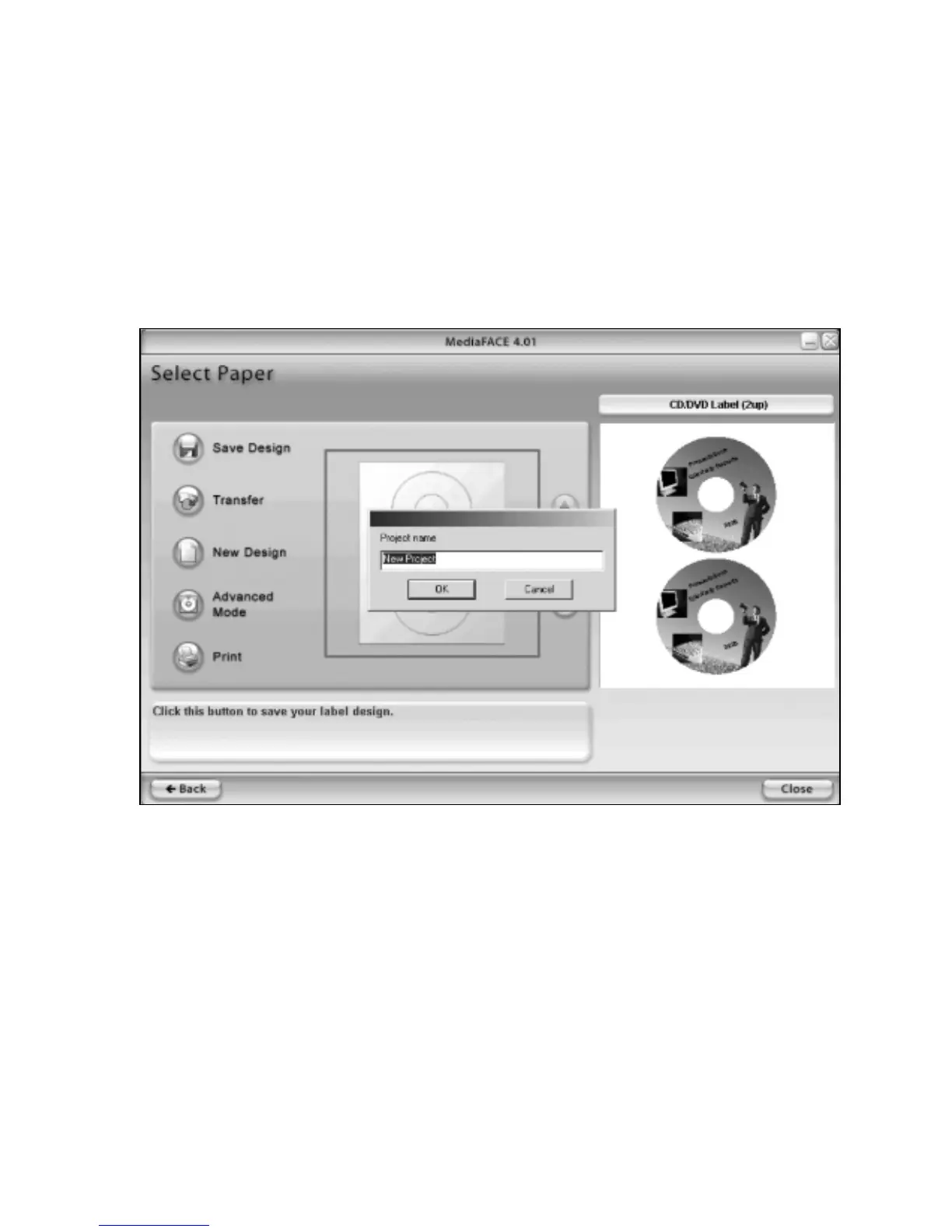
Once you have finished with your project in the Design Wizard, you can now have the
option to save it. You can do so at the “Select Paper” screen by doing the following:
• Click on the “Save Design button
• The “Project Name” window will appear
• Enter a Project name and click on “OK”
• Your project is now saved
Figure 2.15 – Saving your Project in the Design Wizard



 To Next Page