35
Simply click ‘Yes’ and you will be brought to the main work area of the Advanced
Interface. Proceed to Chapter 4 for a detailed look at the main work area.
Another option when creating a new label project is to work directly in the Advanced
Interface. To access the main work area directly, do the following when the opening
screen appears:
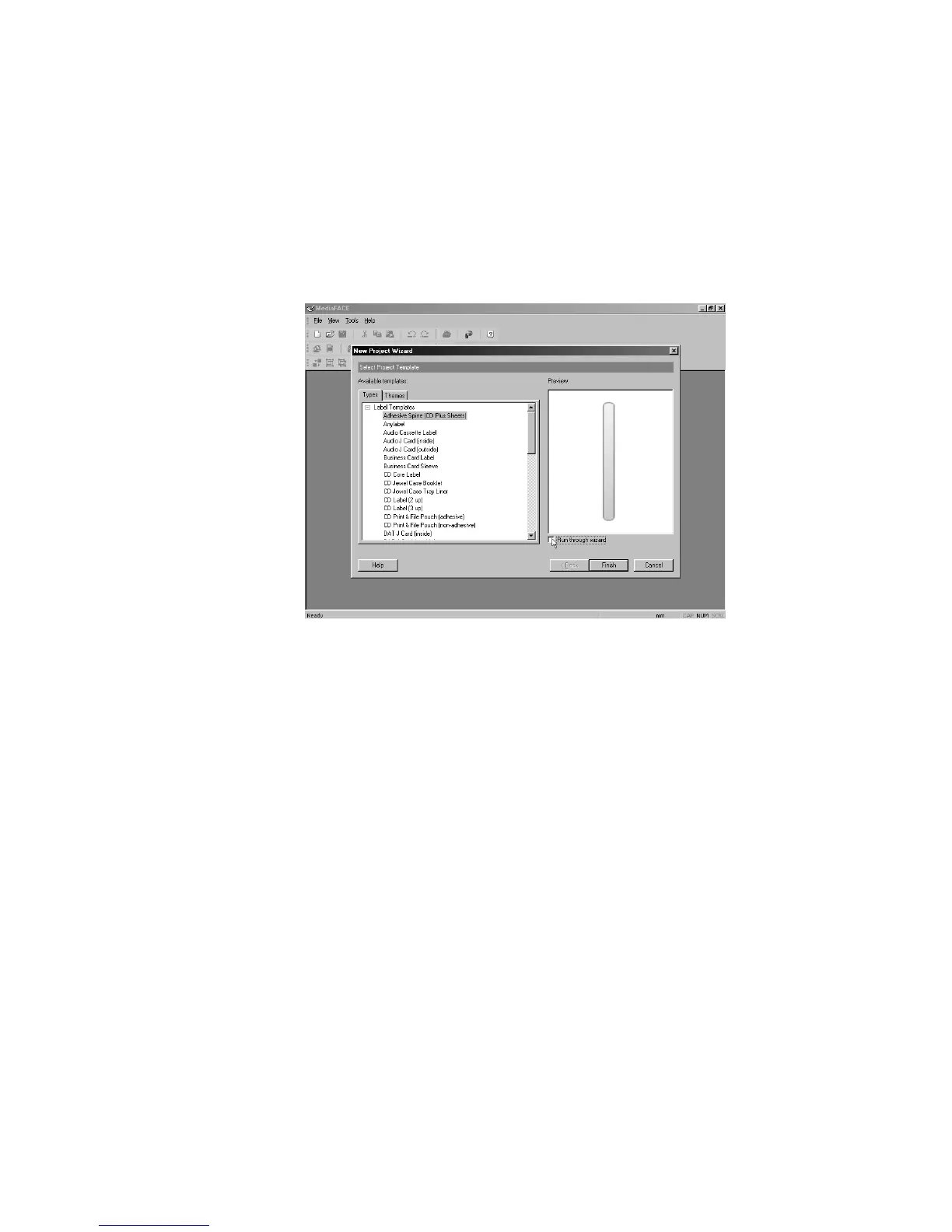
Select a label or project template.
Deselect ‘Run through wizard’ checkbox as shown below.
Figure 3.2 – Deselecting New Project Wizard
Click Finish.
The template you selected will be opened directly in the main work area of the Advanced
Interface. Please proceed to Chapter 4 for a detailed look at the main work area of the
Advanced Interface.



 To Next Page