46
To dock a palette after toggling it on in the View>Toolbar menu, simply click the palette
title bar and drag the window to a new location on the screen. To float a palette, double-
click the palette title bar to undock the window, then click and drag the palette to a new
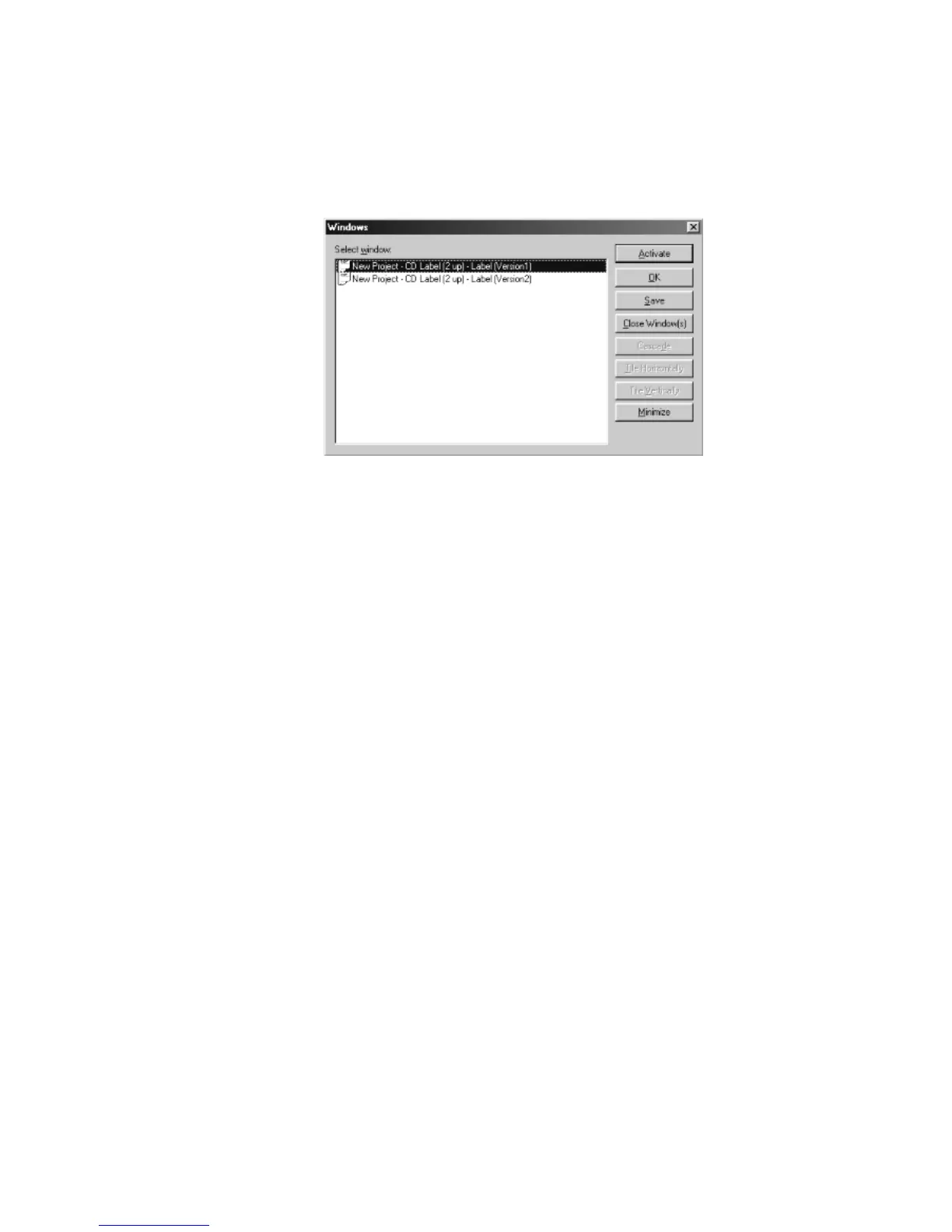
location. The Windows dialog box is shown below:
Figure 4.12 – Windows dialog box



 To Next Page