50
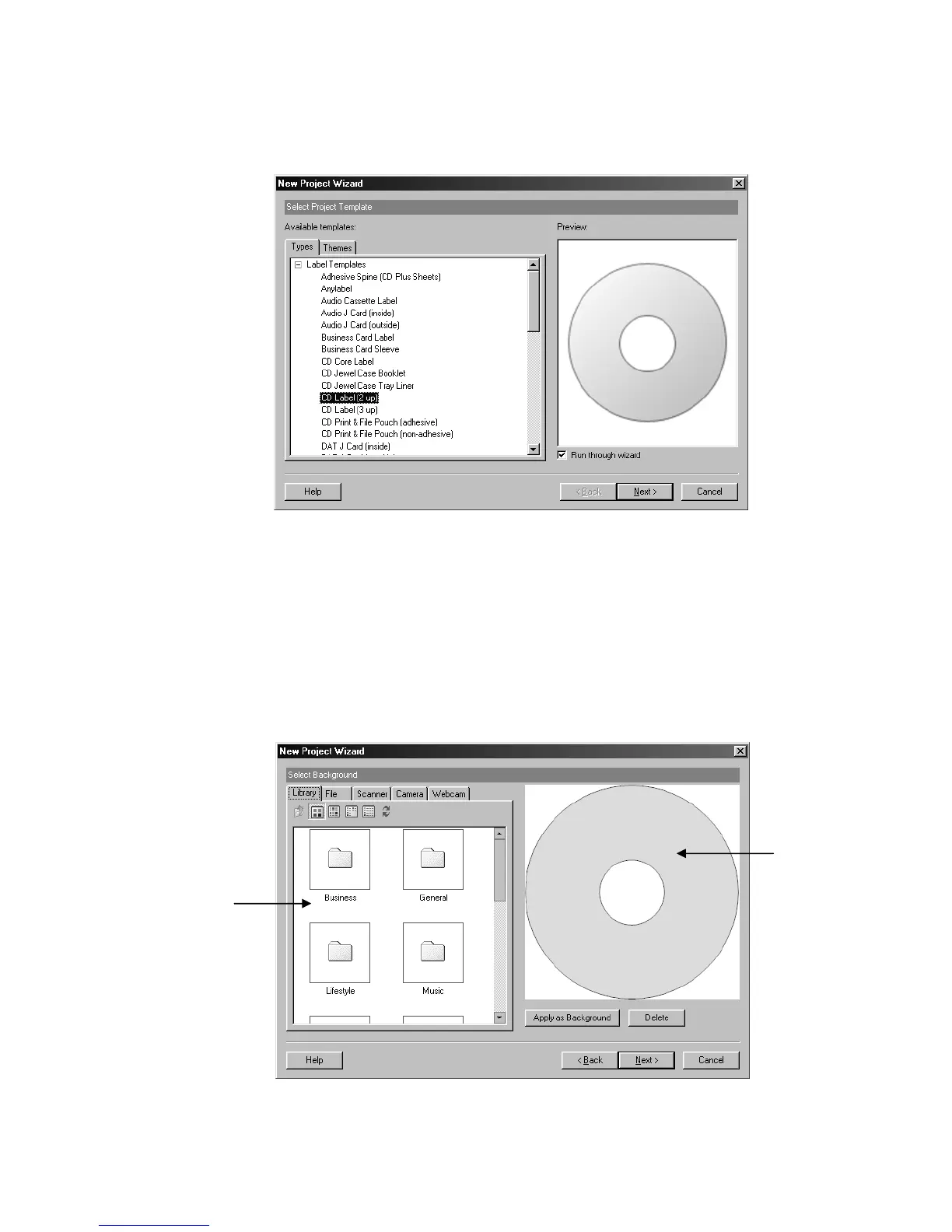
once in the checkbox. On the right side of the dialog box, you should see a preview of the
label template you selected as shown below:
Figure 5.4 – Selecting a Label Template
Click Next to continue. This will bring us to the background selection screen and the
main work area in the New Project Wizard.
The Work Area
The work area in the New Project Wizard consists of several options that help you edit
and view the labels you create. The main components of the New Project Wizard work
area are shown in the diagram below and discussed in detail:
Figure 5.5 – The main work area in the New Project Wizard
Option Display Window
Label
Workspace



 To Next Page