Page 12
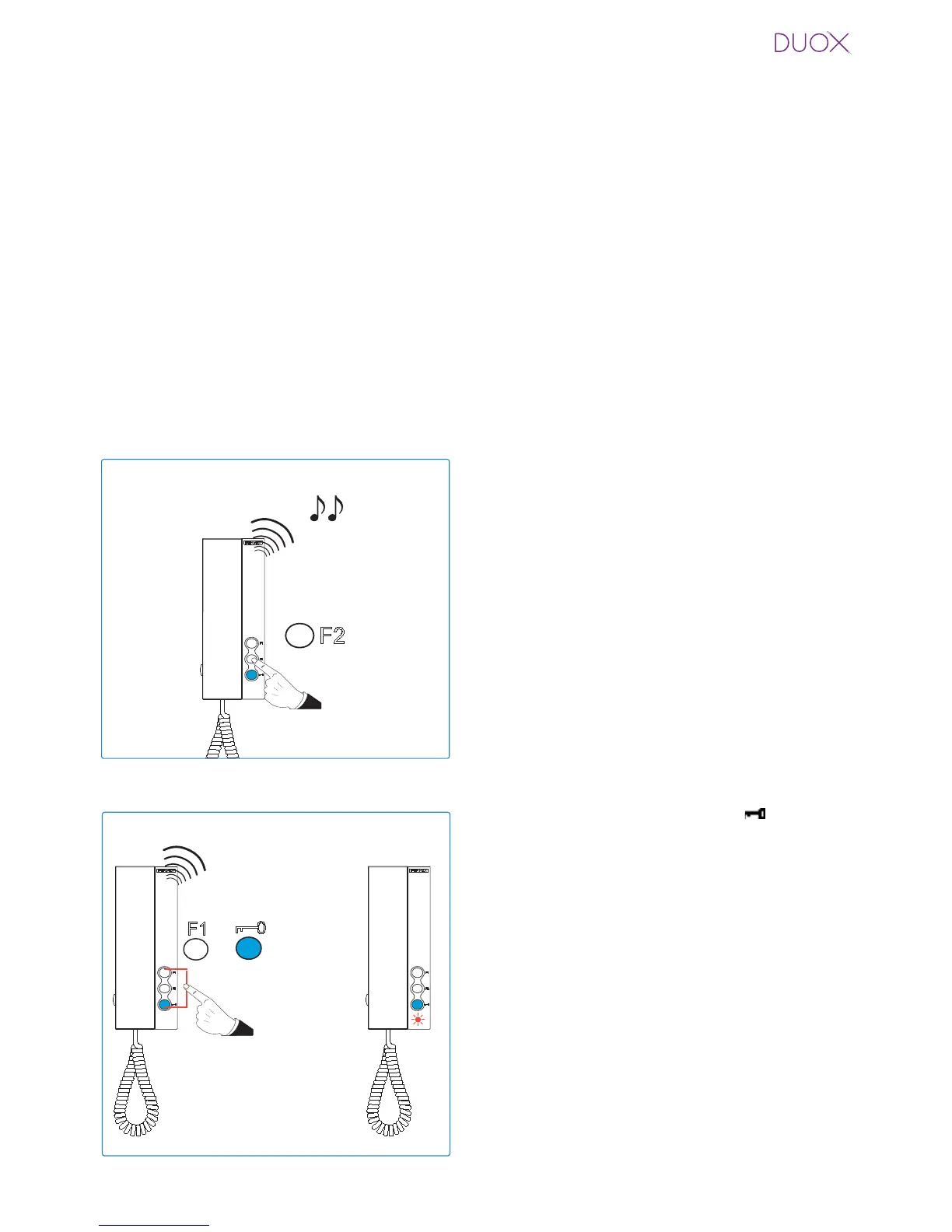
Auxiliary function F2.
From the phone you can activate an auxiliary device connected to the Duox bus. For this
you must perform a short press of the F2 button (less than 5 seconds otherwise it enters
into the ringtone selection function).
When you press the F2 button the telephone generates a beep and a command is transmitted
via the bus for activating an auxiliary device via a Duox relay (if installed).
Resetting Parameters.
The installer reset sets ALL telephone values to default.
With the telephone connected and hung-up:
1. Press the F2 button and keep it pressed
for 5” First you will hear a beep and after
5” you will hear the confi gured panel tone.
At this moment, you can stop pressing F2.
While in this mode:
Note: If there is a guard unit, it must be in night mode.
2. Press the F1 button and the button
simultaneously for 15 seconds until you
hear a double tone (BEEP BEEP) and
release.
Note: Since reset deletes the programmed address,
when the LED is blinking it indicates that the reset
has completed.
BEEP BEEP
15"
¸
+















 To Next Page