SUN P7
38
Cod. 3540I810 - 03/2009 (Rev. 00)
EN
Indication during Operation
1.3 Lighting
The lighting request (generated on closing of the contact on terminals 7-8 (fig. 9), in default setting
conditions) is indicated by activation of the radiator symbol (detail 10 - fig. 1).
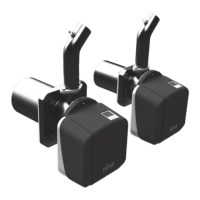
Switch on the power to the unit:
- During the first 10 seconds the display shows "NO CU".
- If a flame is detected, the burner carries out combustion chamber pre-ventilation.
- At the end of this time, the burner will be ready to operate.
Setting the clock
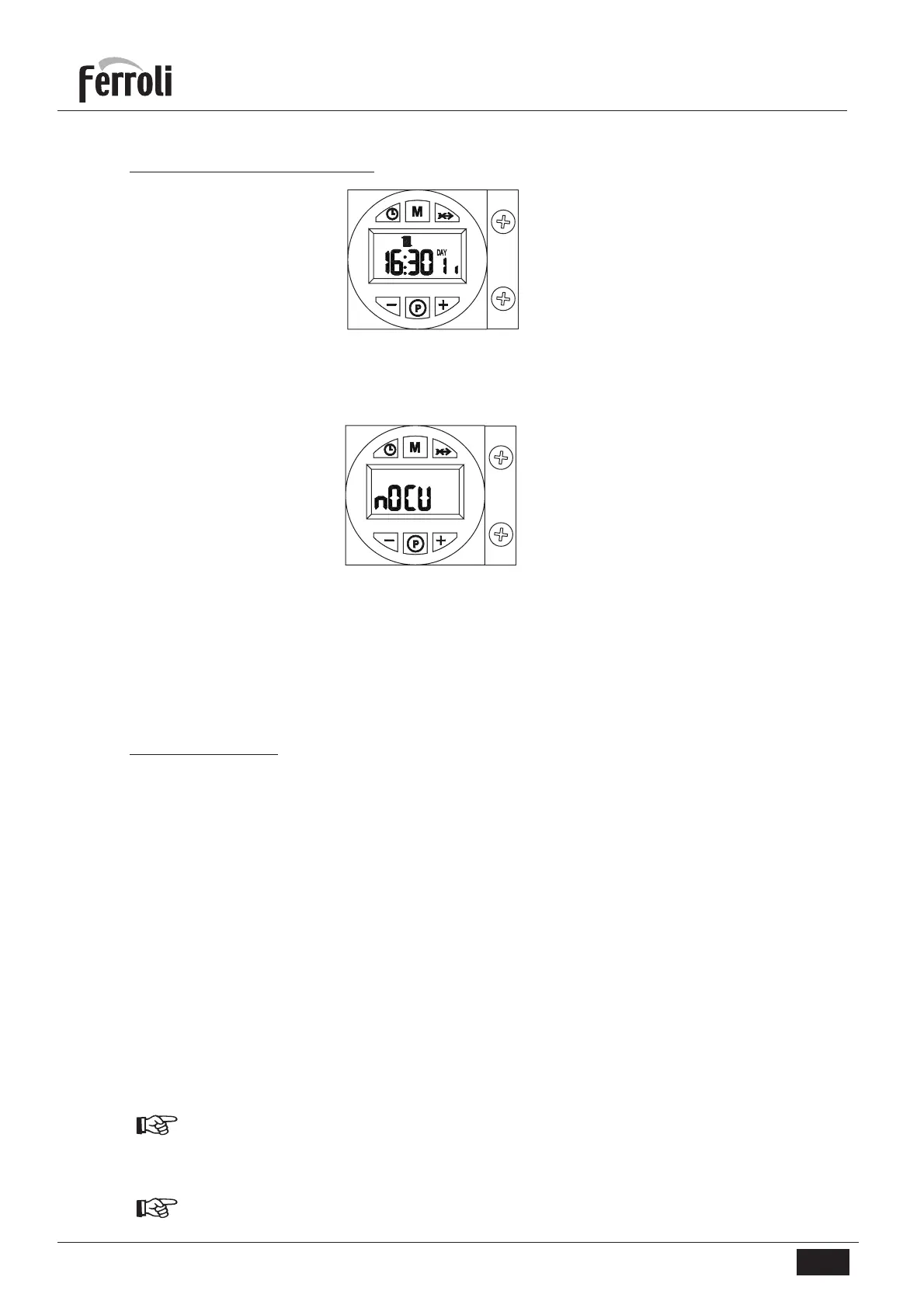
1. Press the day/time setting button (detail 1 - fig. 1).
2. The CLOCK and DAY icons flash on the display (detail 7 - fig. 1): set the current day of the week with
the + and - buttons (details 4 and 6 - fig. 1), considering that 1=Monday, 7=Sunday. Confirm the day
by pressing the day/time setting button (detail 1 - fig. 1).
3. The two digits of the CURRENT HOUR and the CLOCK icon flash on the display (detail 7 - fig. 1): set
the exact hour with the + and - buttons (details 4 and 6 - fig. 1), from 00 to 23. Confirm the hour by
pressing the day/time setting button (detail 1 - fig. 1).
4. The two digits of the CURRENT MINUTES and the CLOCK icon flash on the display (detail 7 - fig. 1):
set the exact minutes with the + and - buttons (details 4 and 6 - fig. 1), from 00 to 59. Confirm the
minutes by pressing the day/time setting button (detail 1 - fig. 1). Automatic Heating, Manual On,
Manual Off mode
Press the operation mode selection button (detail 2 - fig. 1) to set:
1. In Automatic mode, the display (detail 7 - fig. 1) shows the CLOCK icon. The burner activation and
deactivation request depends on the set weekly programme. In the request time band, the display
(detail 7 - fig. 1) also shows the ON icon.
2. In Manual On mode, the display (detail 7 - fig. 1) only shows the ON icon. The burner is always in
request status.
The set weekly programme is by-passed.
3. In Manual Off mode, the display (detail 7 - fig. 1) does not show the ON icon or CLOCK icon. The
burner is off.
The set weekly programme is by-passed.
1.4 Adjustments
fig. 2
fig. 3


 To Next Page