2524
Chapter 5 Splice Option
As to the Splice Mode setting.
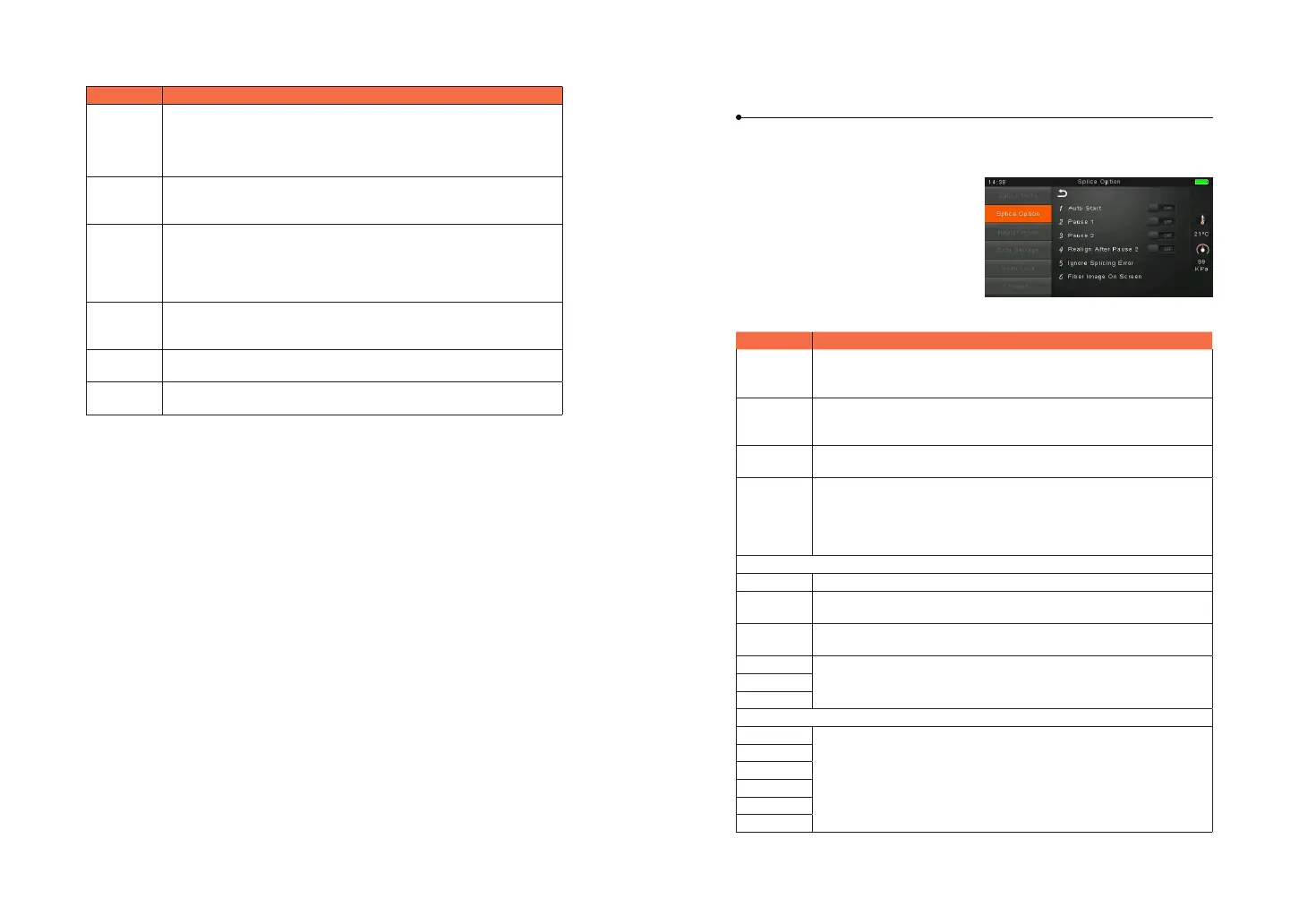
① Select [Splice option] in menu from
main menu.
② Select a parameter to be changed.
Parameter Description
Auto start
If “Auto start” is set to ON, splicing starts automatically as soon as
the wind protector is closed. Fibers should be prepared and placed
into the splicer in advance.
Pause 1
If “Pause 1” is set to ON, splicing operation pauses when bers are
forwarded to gap-set position. Cleave angles are displayed during
the pause.
Pause 2
If “Pause 2” is set to ON, splicing operation pauses after ber
alignment is completed.
Realign after
pause 2
Alignment failure may appear after “Pause2” for a long period.
Therefore, realign after “Pause2” is needed. Setting to “OFF” will
prevent the implementation of realign function. Manual splicing,
rather than setting the realign to “OFF”, is recommended when there
is an axial displacement of the splicer
Ignore splice error
Cleave end
Cleave
angle
Setting to “OFF” ignores the faults and continues to complete the
splicing even if the message “Cleave Angle Error” appears.
Core angle
Setting to “OFF” ignores the faults and continues to complete the
splicing even if the message “Core Angle Error” appears.
Loss
Setting to “OFF” ignores the faults and continues to complete the
splicing even if the message “Loss Error”, “Cleave Shape Error”, “Fat
Error”, or “Thin Error” appears.
Fat
Thin
Fiber immage on screen
Paulse 1 Set the displaying method of the ber image on the screen during
splicing operation.
X : Enlarged display of X-axis image
Y : Enlarged display of Y-axis image
X/Y : Composite display vertically of X-axis and Y-axis images
Align
Paulse 2
Arc
Estimate
Gap set
Parameter Description
Overlape
Set the overlap amount of bers at the ber propelling stage.
Relatively small [Overlap] is recommended if [Preheat Arc Value] is
low, while relatively large [Overlap] is recommended if [Preheat Arc
Value] is high.
Cleaning Arc
time
A cleaning arc burns out micro dust on the surface of the ber with
an arc discharge for a short period of time. The duration of the
cleaning arc can be changed by this parameter.
Preheat Arc
value
Set the pre-fuse arc power from the beginning of arc discharging
to the beginning of bers propelling. If “Preheat Arc Value” is set
too low, axial oset may occur if cleaved angles are relatively poor.
If “Preheat Arc Value” is set too high, ber end faces are fused
excessively and splice loss gets worse.
Preheat Arc
time
Set the pre-fuse arc time from the beginning of arc discharging to
the beginning of bers propelling. Long [Preheat Arc Time] and high
[Preheat Arc Value] lead to the same results.
Fuse Arc
value
Set Arc power.
Fuse Arc
time
Set Arc time.



 To Next Page