18
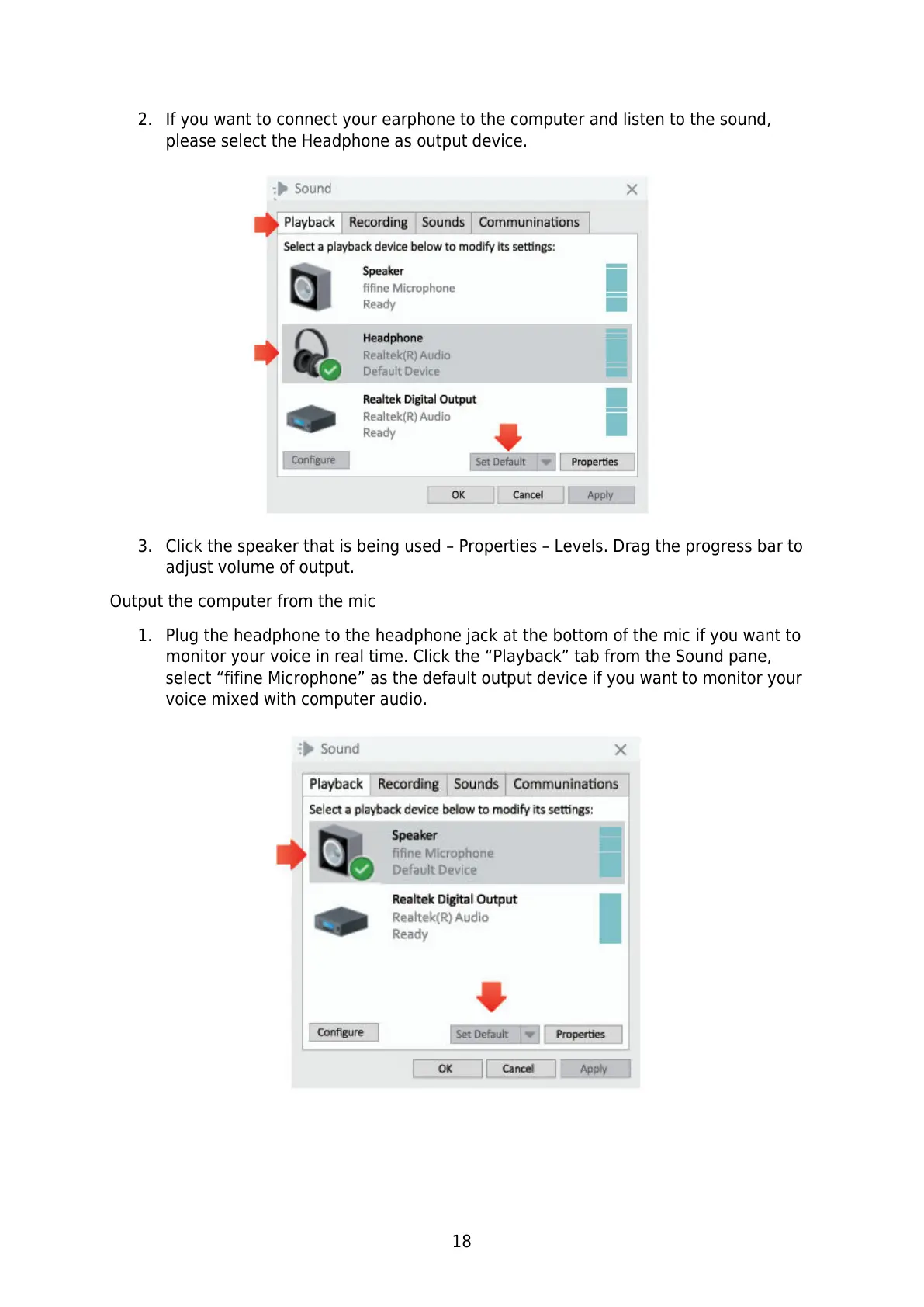
2. If you want to connect your earphone to the computer and listen to the sound,
please select the Headphone as output device.
3. Click the speaker that is being used – Properties – Levels. Drag the progress bar to
adjust volume of output.
Output the computer from the mic
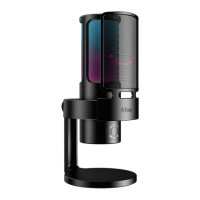
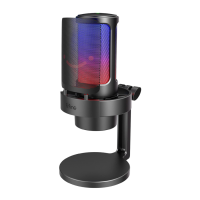
1. Plug the headphone to the headphone jack at the bottom of the mic if you want to
monitor your voice in real time. Click the “Playback” tab from the Sound pane,
select “fifine Microphone” as the default output device if you want to monitor your
voice mixed with computer audio.


 To Next Page