12 Before Getting Started
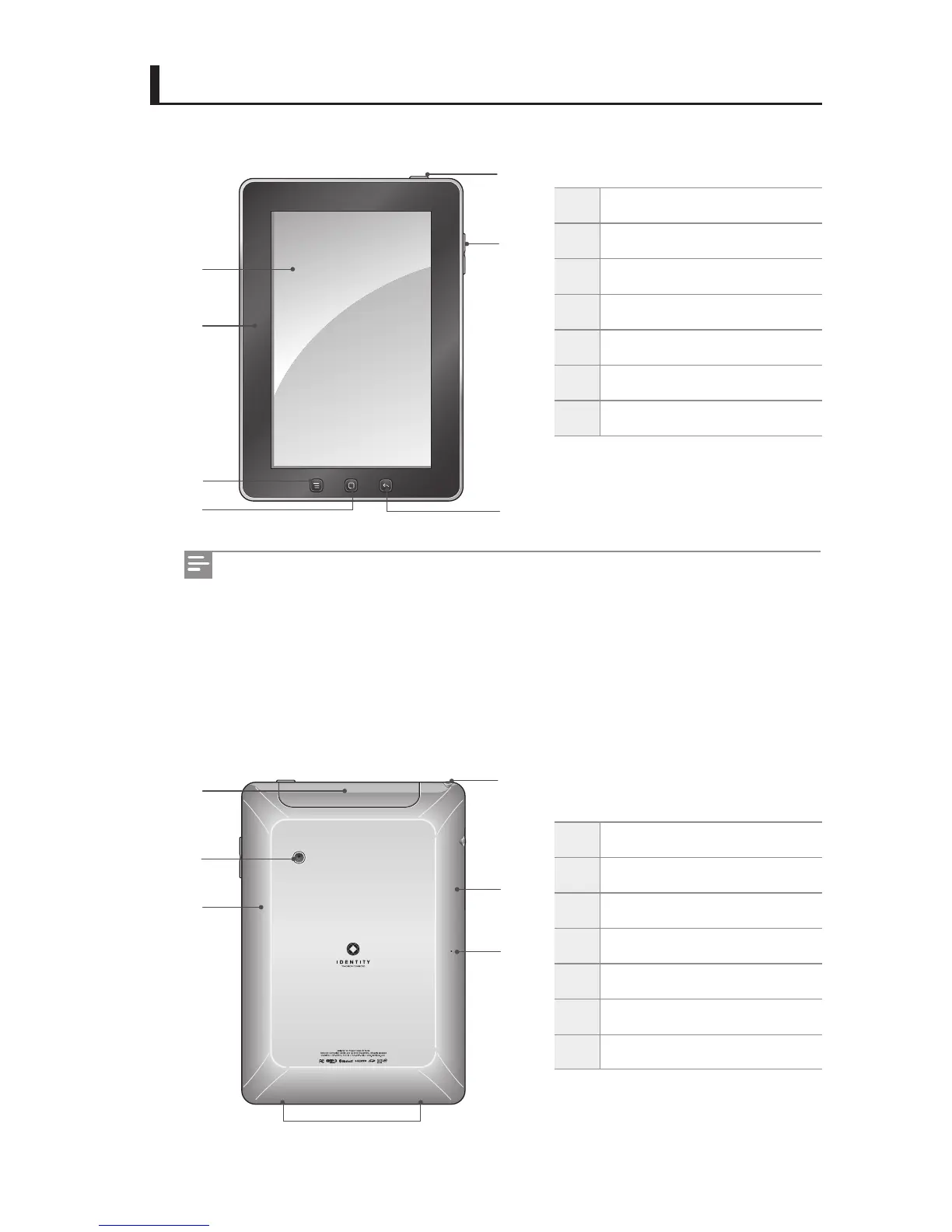
IDENTITY tab Exterior
Frontal view of IDENTITY tab
Rear view of IDENTITY tab
1
Power Button
2
Touchscreen
3
Light Sensor
4
Menu Button
5
Home Button
6
Previous Button
7
Volume Button
1
Port Cover
2
Camera
3
GPS Antenna
4
Speakers
5
Microphone
6
Wi-Fi Antenna
7
Earphones Jack
2
3
1
7
4
5
6
3
2
7
1
4
5
6
You can connect the power adapter and the USB cable, which is included in the
package, to IDENTITY tab.
Touching the Wi-Fi antenna area while using Wi-Fi and Bluetooth may reduce the
quality of communication or increase the consumption of the battery.
The IDENTITY tab touchscreen is coated with an anti-ngerprint lm to prevent
ngerprints.



 To Next Page