26 Basic Functions
Entering Text − Keyboard
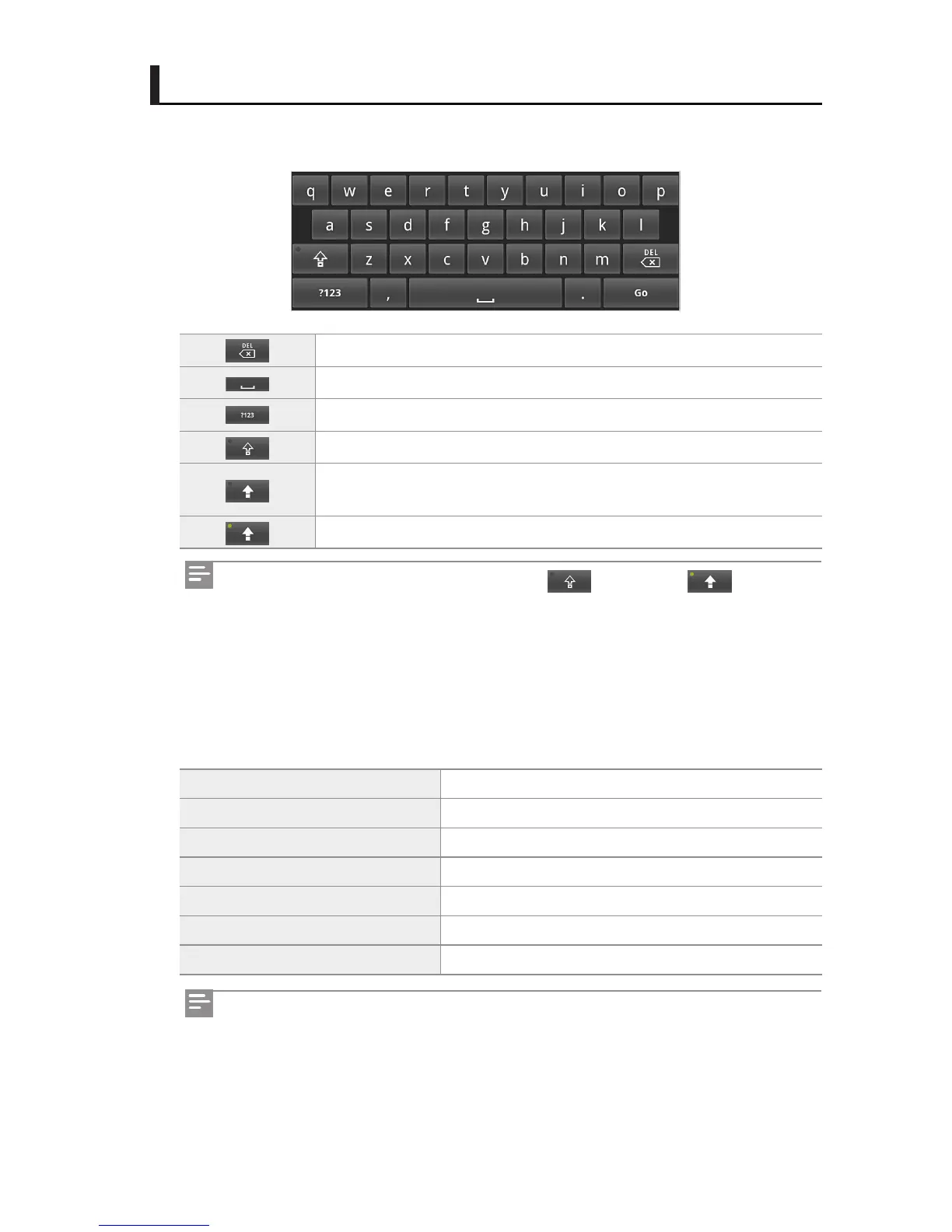
You can enter English letters, numbers, and symbols using the QWERTY keyboard.
Deletes a character right before the cursor.
Leaves a space.
Number/ symbol entry mode
English lower case entry mode
English upper case entry mode (only the rst entered character is ap-
plicable)
English upper case entry mode (continuously applicable)
Editing text
When tapping and holding down a character you entered, a menu for editing appears. You
can cut, copy, or paste it.
Select all Selects all the characters you entered.
Select text
Selects some characters you entered.
Cut all
Cuts selected characters or all the characters you entered.
Copy all
Copy selected characters or all the characters you entered.
Paste Pastes copied characters.
Input method Change the Entering text method. (Keyboard)
Add "**" to dictionary Add selected characters to dictionary database.
Tapping and holding down or double-tapping will switch to .
You can set the keyboard in Settings. For further information, see "Android keyboard" on
page 83.



 To Next Page