Other Features 53
Photo
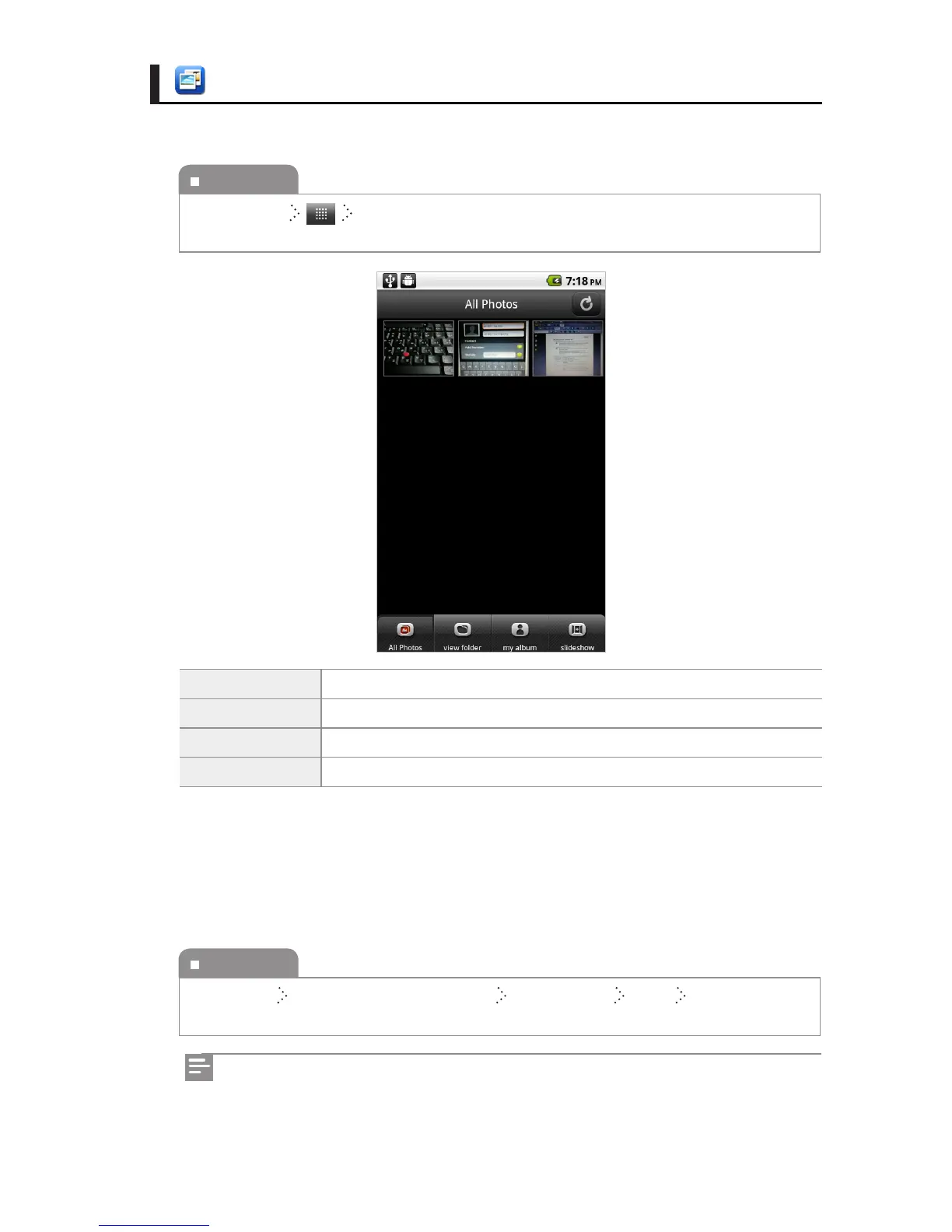
You can enjoy your pictures in a slideshow or manage the pictures you want by album.
All Photos You can view all the saved pictures.
view Folder You can view the pictures by folder.
my Album You can manage the pictures you want by adding albums.
slideshow You can enjoy a slideshow.
Editing pictures
You can rotate a picture and apply lter eects using many functions. You can also cut the
area you want.
To execute
Home Screen Photo
To execute
All Pictures Select the pictures you want Menu button More Edit
Edited pictures are saved in new les.
You can add widgets on the Home screen. For further information on how to add
widgets, see "Executing Functions" on the page 27



 To Next Page