32 Basic Functions
When you use the earphones, you may not hear external sounds. For your safety,
do not use the earphones where there is potential danger. If you use the earphones
at a high volume while you are walking or driving, it may distract you and cause an
accident.
If you use the earphones at a high volume for an extended length of time, they
The earphones that came with your IDENTITY tab are only for IDENTITY tab (4 pins),
so they may not be compatible with other products.
If you need to use extra earphones, purchase 4-pin earphones. IDENTITY tab is
optimized for 4-pin earphones.
Connecting the Accessories
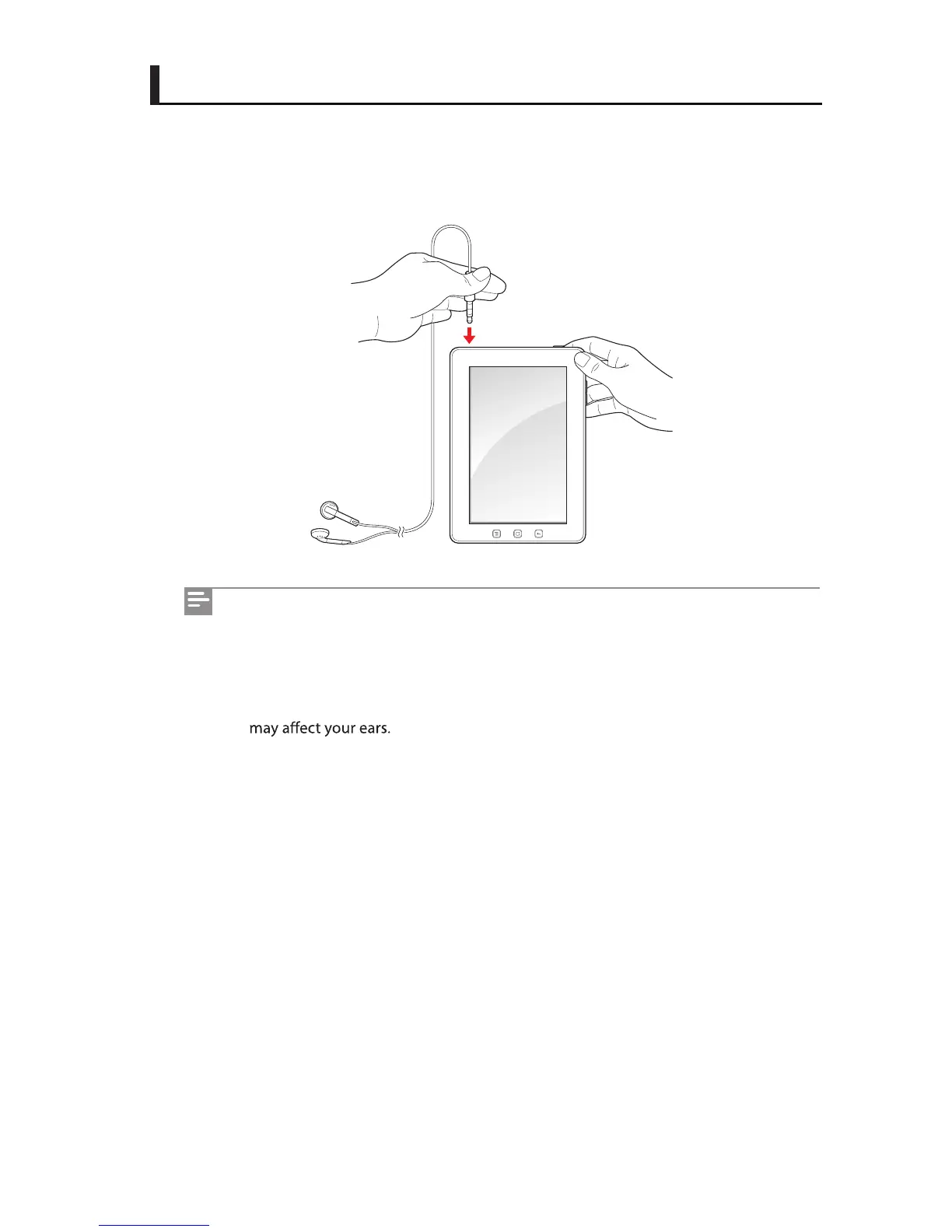
Connecting the earphones
Connect the earphones into the earphones jack on your IDENTITY tab.



 To Next Page