34 Basic Functions
Connecting the External Devices
Connecting to a computer
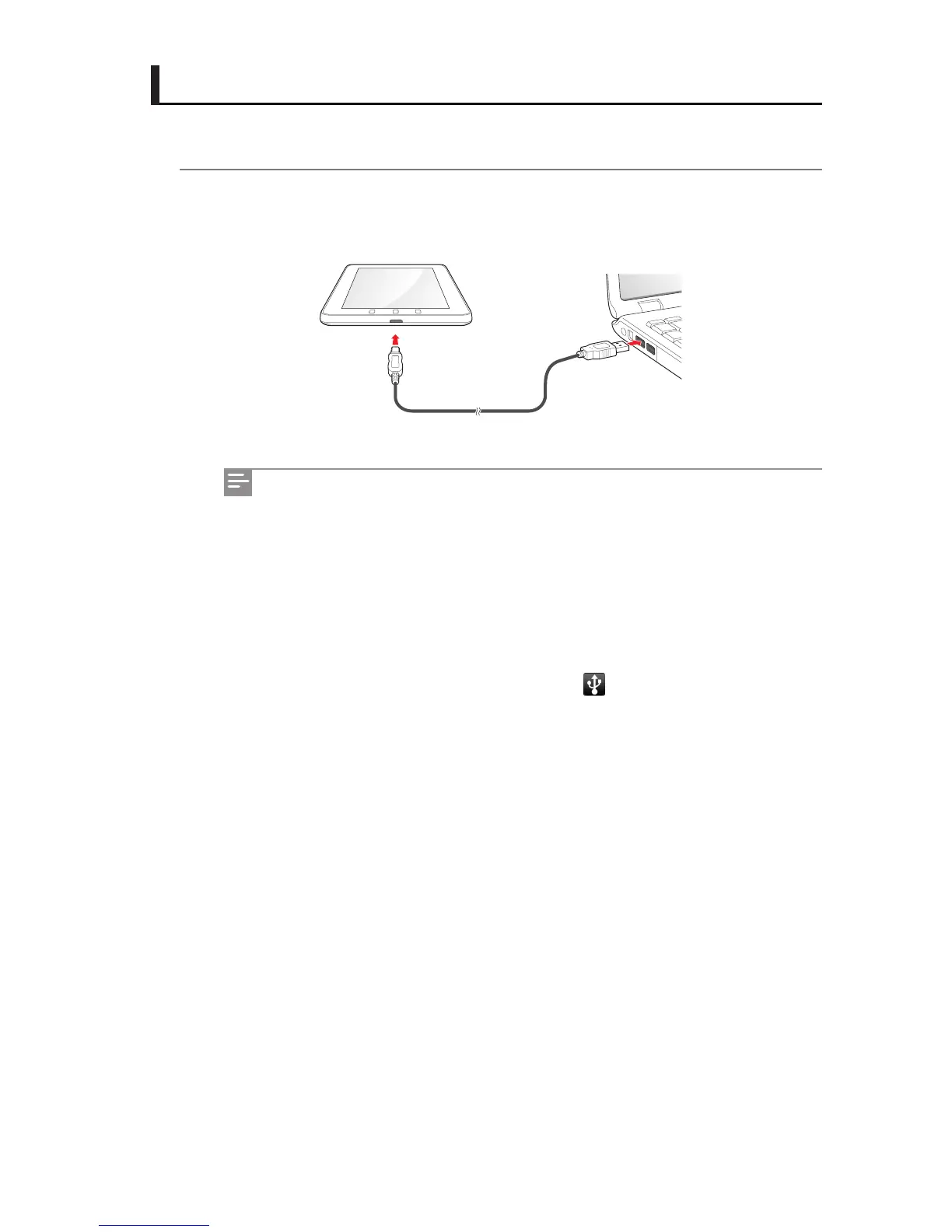
1 Connect the one end of the USB cable to the USB Host/Slave Mini port on IDENTITY tab
and the other end to a computer.
You can copy, delete, or manage les on your IDENTITY tab and PC.
IDENTITY tab has similar functions to a PC, but it may have functional
dierences and some functions may not be supported.
Before disconnecting the USB cable, execute "Safe Hardware Removal" on
your PC.
When you connect the USB cable into a PC USB port, the IDENTITY tab battery
starts charging automatically. However, when there is no power at the USB
port, the IDENTITY tab battery is not charged.
When the USB cable is connected, the icon
appears at the top of the
screen.



 To Next Page