Other Features 71
The les downloaded from the Internet are saved in the "sdcard/download" folder.
The Flash Player is installed, so you can easily view the ash screens on the web
pages.
To use the Internet, your Wi-Fi should be connected. For further information on
how to connect Wi-Fi, see "Wireless & networks" on page 73.
When you receive a new email, appears at the top of the screen.
Browser
Camera
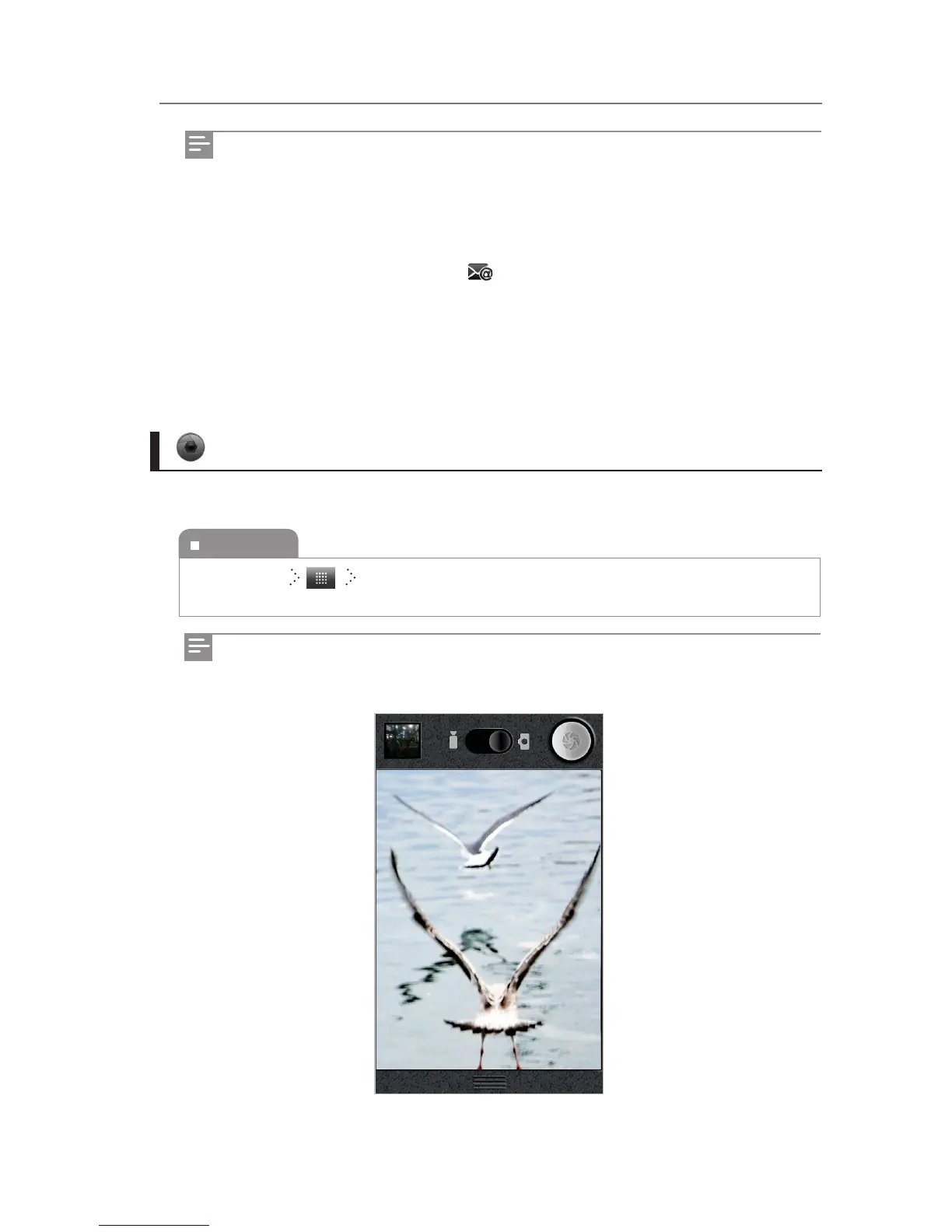
You can take pictures with the camera.
To execute
Home Screen Camera
You can set the shooting options while pressing the Menu button to take pictures.



 To Next Page