14 Before Getting Started
Charging the Battery
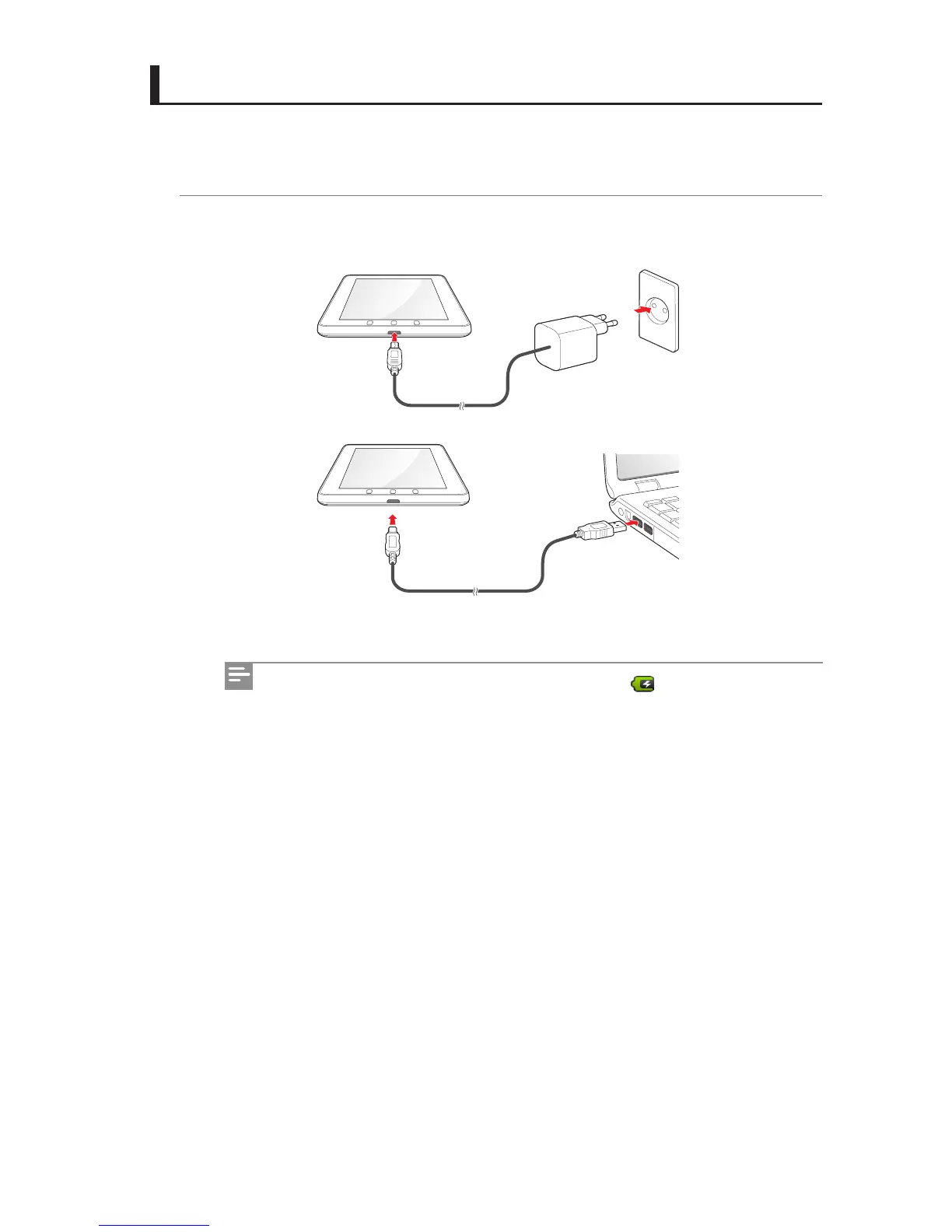
The IDENTITY tab battery can be charged by connecting it to the USB power adapter or the
USB cable.
1 To charge the IDENTITY tab battery, open the USB port cover and connect the USB
power adapter or the USB cable to IDENTITY tab in the correct direction.
[Connect the 5-pin power adapter or the USB cable to charge the battery]
When you start charging the battery, the battery icon is displayed at the top
of the screen.



 To Next Page