54 Other Features
My Album settings
Adding albums
Deleting albums
To execute
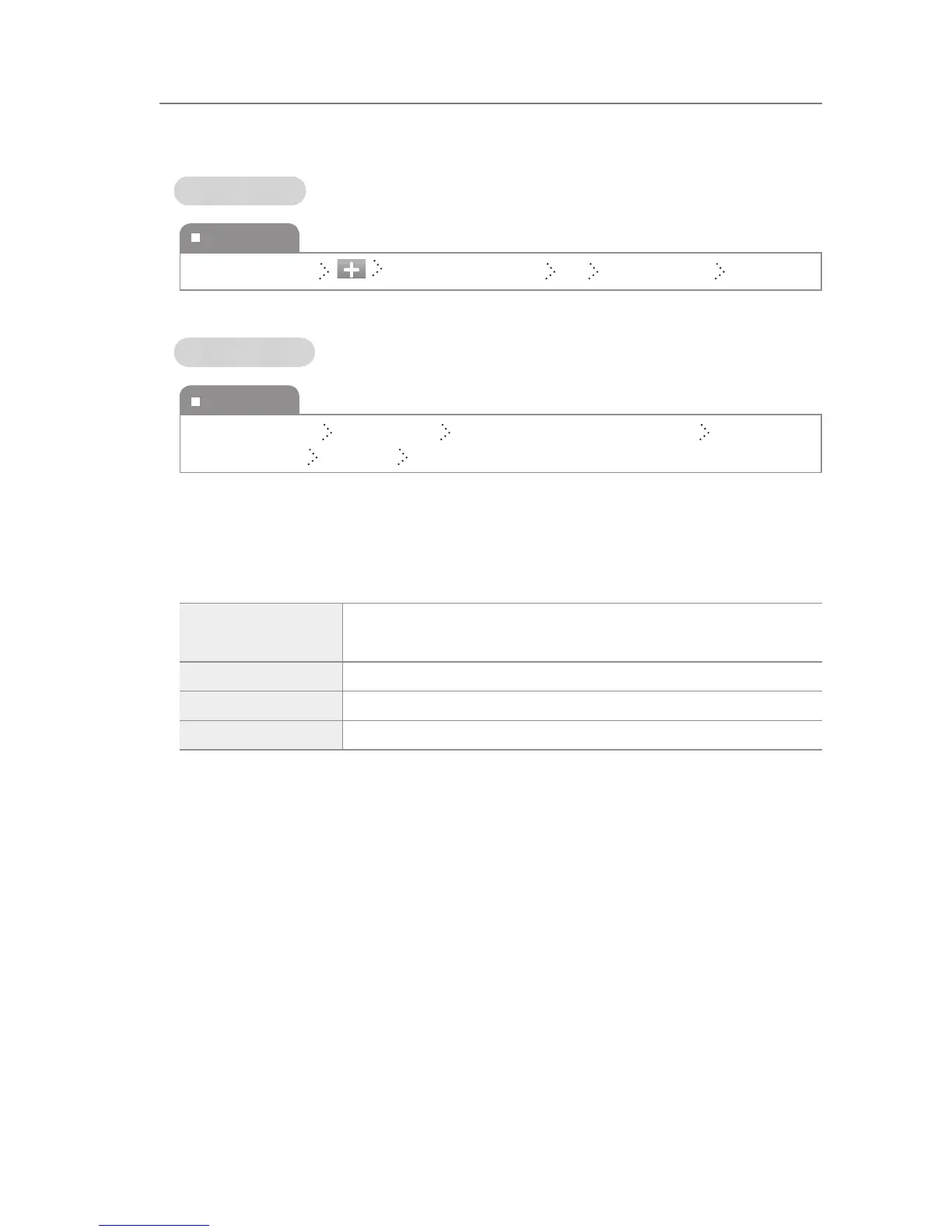
Album List Screen Enter the album name Ok Select a picture Complete
To execute
Album List Screen Menu button Delete Individually (or Delete All) Select an
album to delete Complete Ok
Slideshow
You can set a function by pressing the Menu button during a slideshow.
show setup
You can set the screen switch speed of a slideshow, the slide eects
and the background music.
File Information You can check the information on the pictures.
Delete You can delete the pictures displayed on the screen.
Wallpaper You can set wallpaper to the picture.
Photo



 To Next Page