36 Basic Functions
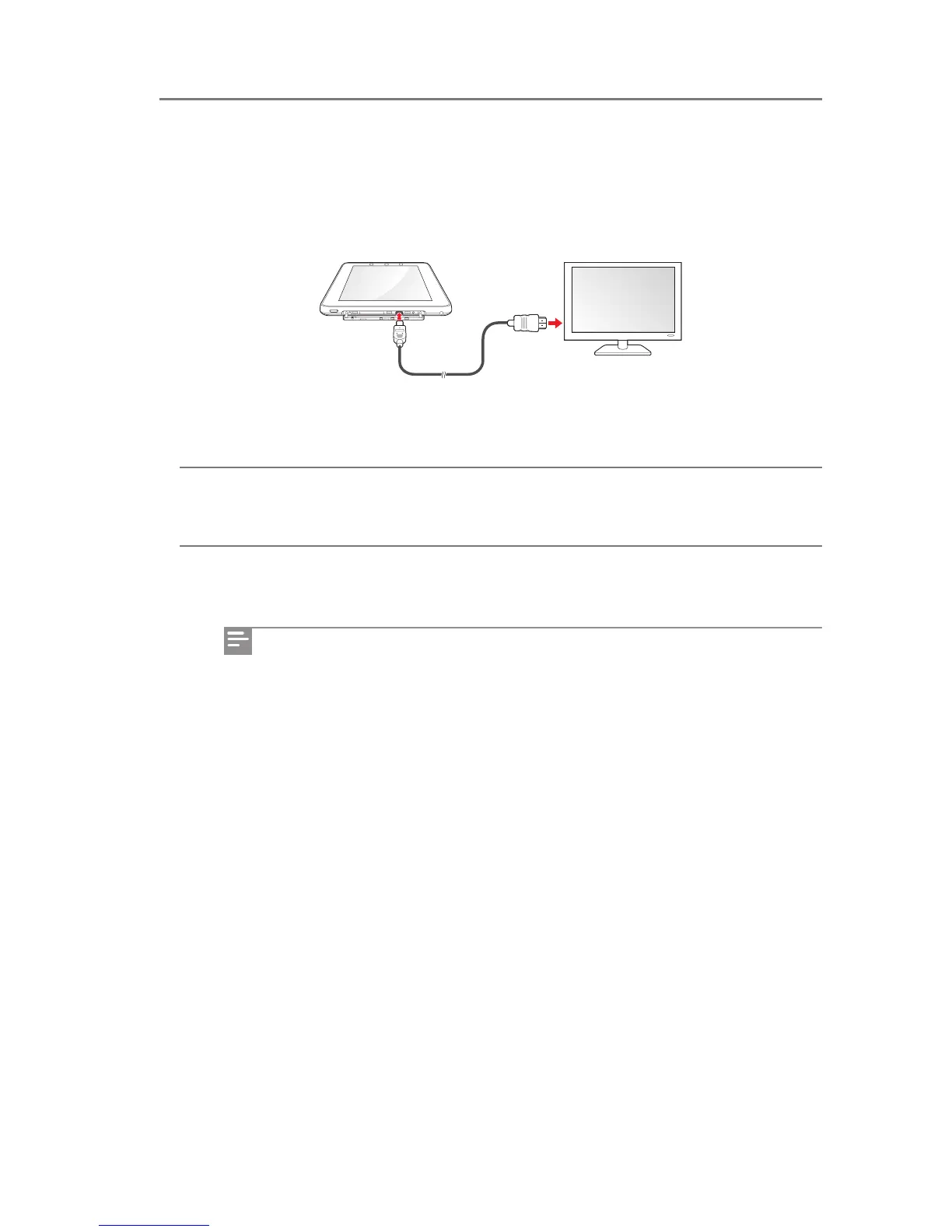
Connecting to an HDMI device
Use the micro-HDMI port on IDENTITY tab to display images on your external digital devices,
such as a TV, cellular phone or monitor.
1 Connect the micro-HDMI port on the right side of your IDENTITY tab to an external
digital device (TV, cellular phone, monitor).
2 When the connection is complete, turn on your IDENTITY tab and the external digital
device (TV, cellular phone, monitor).
When you connect to an external digital device using the micro-HDMI port,
you can enjoy superior resolution and sound quality.
The micro-HDMI port supports digital image and audio signals, so an extra
audio signal cable is not necessary.
If an external digital device does not support HDMI input, you cannot use the
micro-HDMI port.
In Settings, you can set the HDMI output. For further information, see Display
on page 75.
Connecting to External Devices



 To Next Page