20 Basic Functions
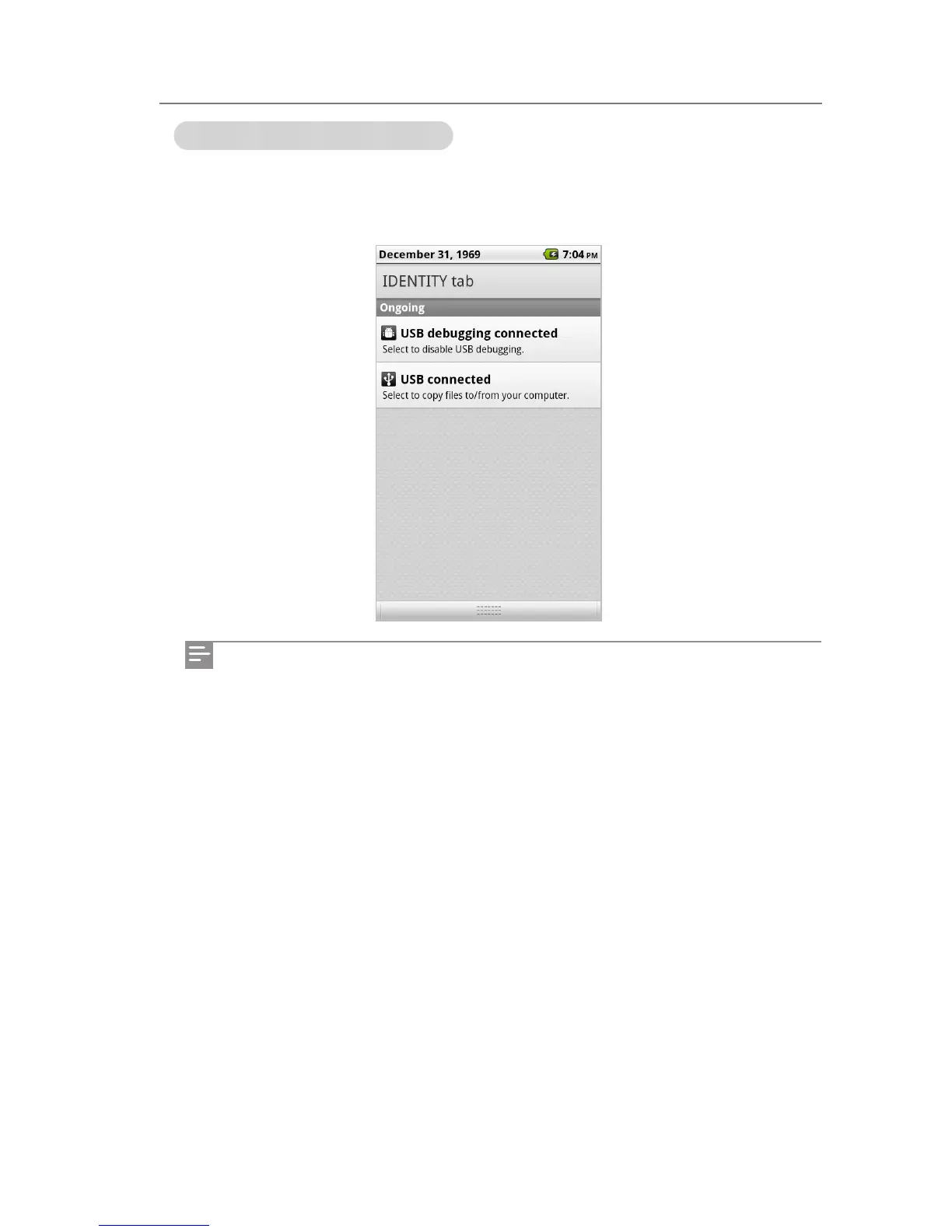
Checking the notication indication
Information on the communication services and notications on the functions you are using
can be checked. If you drag the status bar downwards on the Home screen or while using the
menu, the notication screen appears.
You can delete all the notications by tapping Delete.
Home Screen



 To Next Page