Other Features 67
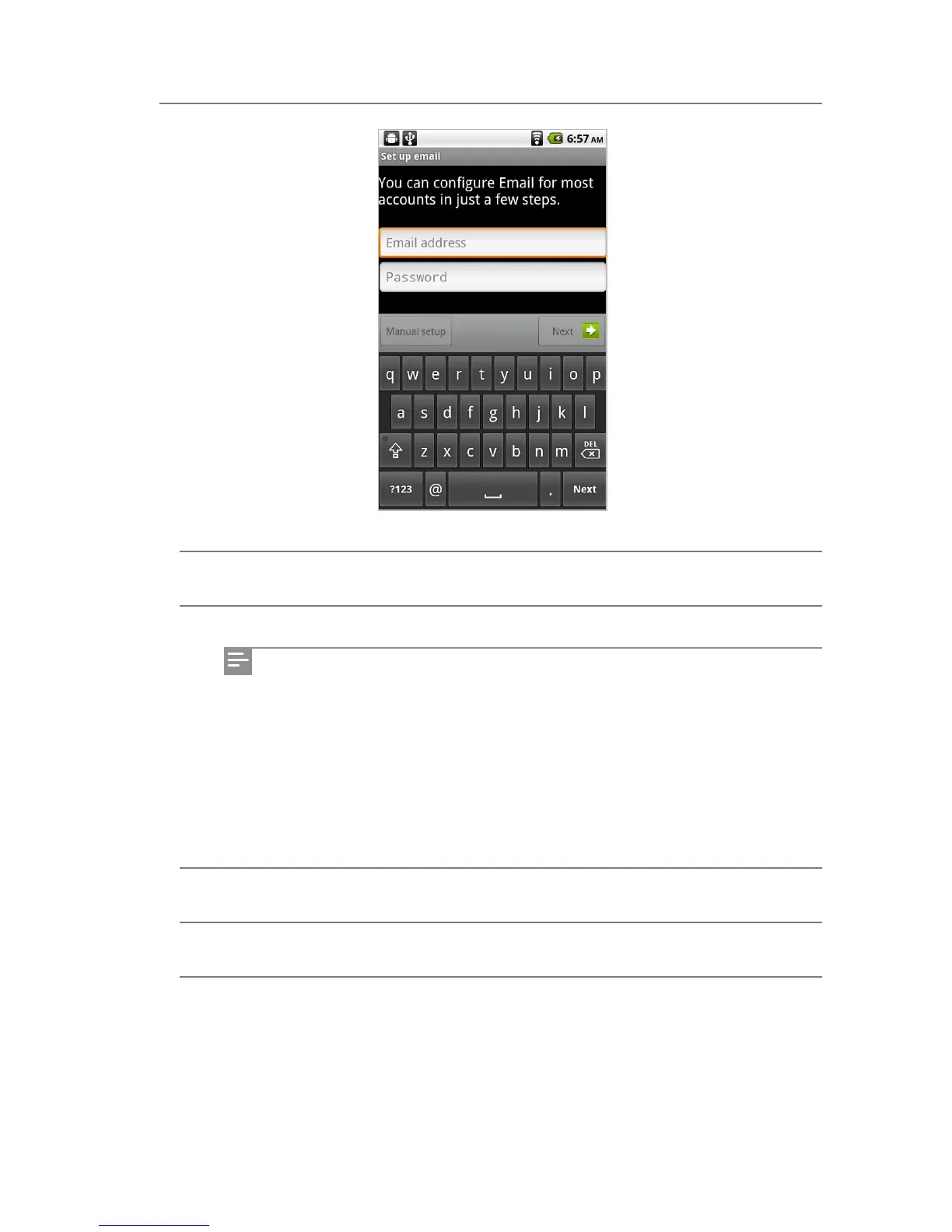
1 Enter an email address by tapping the email address box.
2 Enter the password in the password box, and then tap Next.
3 When the screen for selecting an account type appears, select POP3 or IMAP.
4 Enter the receiving and sending server setting information, and then tap Next.
5 Set the name for your account and sent messages, and then tap Complete.
If you fail to connect to the server through the automatic registration, go back
to the email setup screen and tap Manual Setting.
If you fail to connect to the server due to entering an incorrect user name or
password, tap Edit Details and try again by re-entering your user name and
password correctly.
When the automatic registration is complete, the account type selection
screen does not appear. You can set the name for your account and sent
messages directly.
Email



 To Next Page