84 Settings
Date & Time
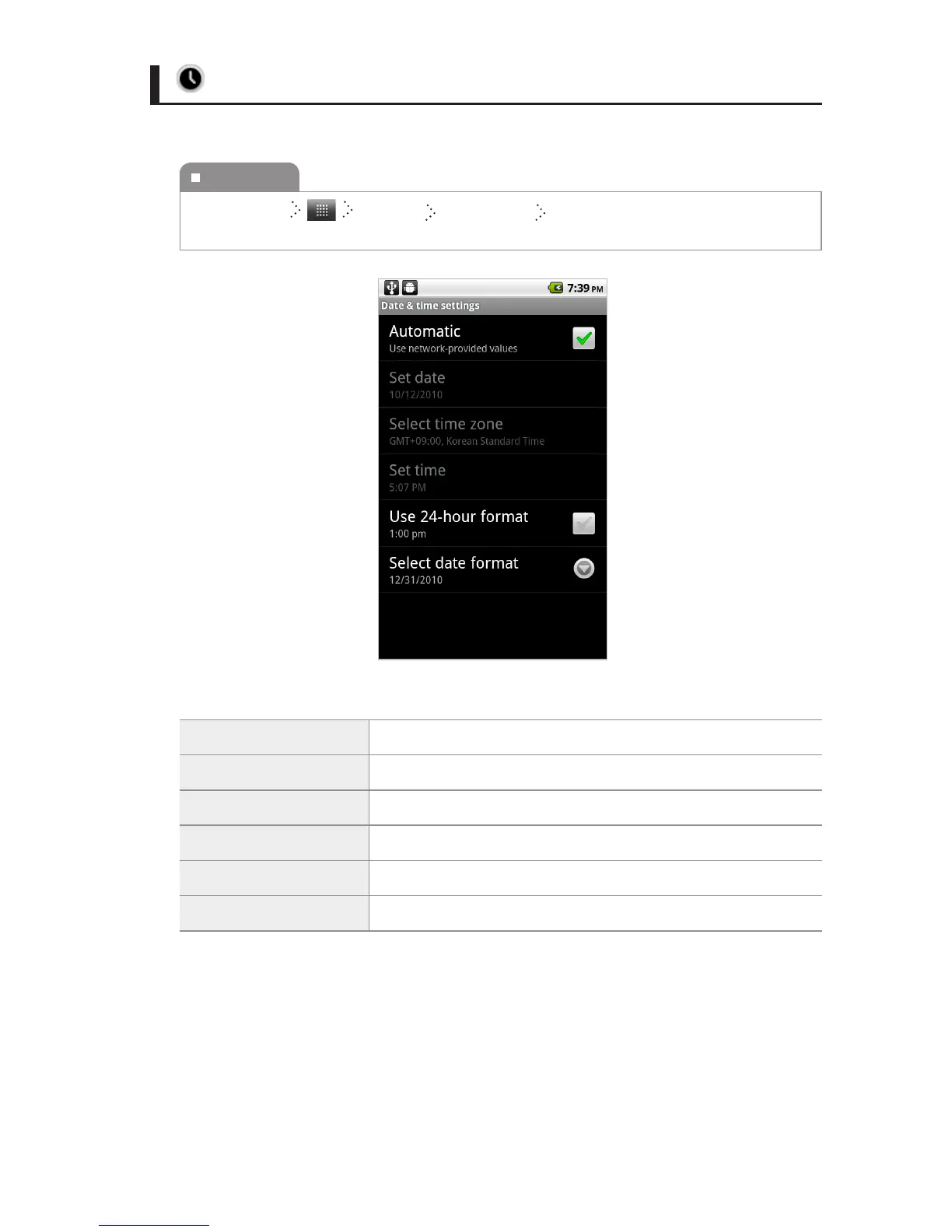
You can set the date and time automatically or manually.
Automatic You can set the time use network-provided values.
Set date You can set the date manually.
Select time zone You can select time zone manually.
Set time You can set the time manually.
Use 24-hour format You can set the display type of time.
Select date format You can select the date format.
To execute
Home Screen
Settings Date & Time Select the item you want, and then
change the setting.



 To Next Page