Touch Screen Device (AUI) Enable
FIELD
TITLE and DATA ENTRIES
EXPLANATION
*189
AUI Device 1 and 2 Enable
0 = disabled
1 = partition 1
2 = partition 2
3 = common lobby
For Touch Screen style keypads
The system supports up to two touch screen style keypads (e.g.
Symphony Advanced User Interface (AUI), and FA700KP Touch
Screen Keypad).
Enter each touch screen (AUI) device’s home partition.
AUI 1 address must be set to 1.
AUI 2 address must be set to 2.
NOTE: A minimum of one standard keypad must also be installed
when touch screen devices are used. Use of touch screen devices does
not affect the number of standard keypads supported.
Keypad Programming Fields
127(
(DFK NH\SDG PXVW EH DVVLJQHG D XQLTXH DGGUHVV .H\SDGV SURJUDPPHG ZLWK WKH VDPH DGGUHVV ZLOO JLYH
XQSUHGLFWDEOH UHVXOWV
FIELD
TITLE and DATA ENTRIES
EXPLANATION
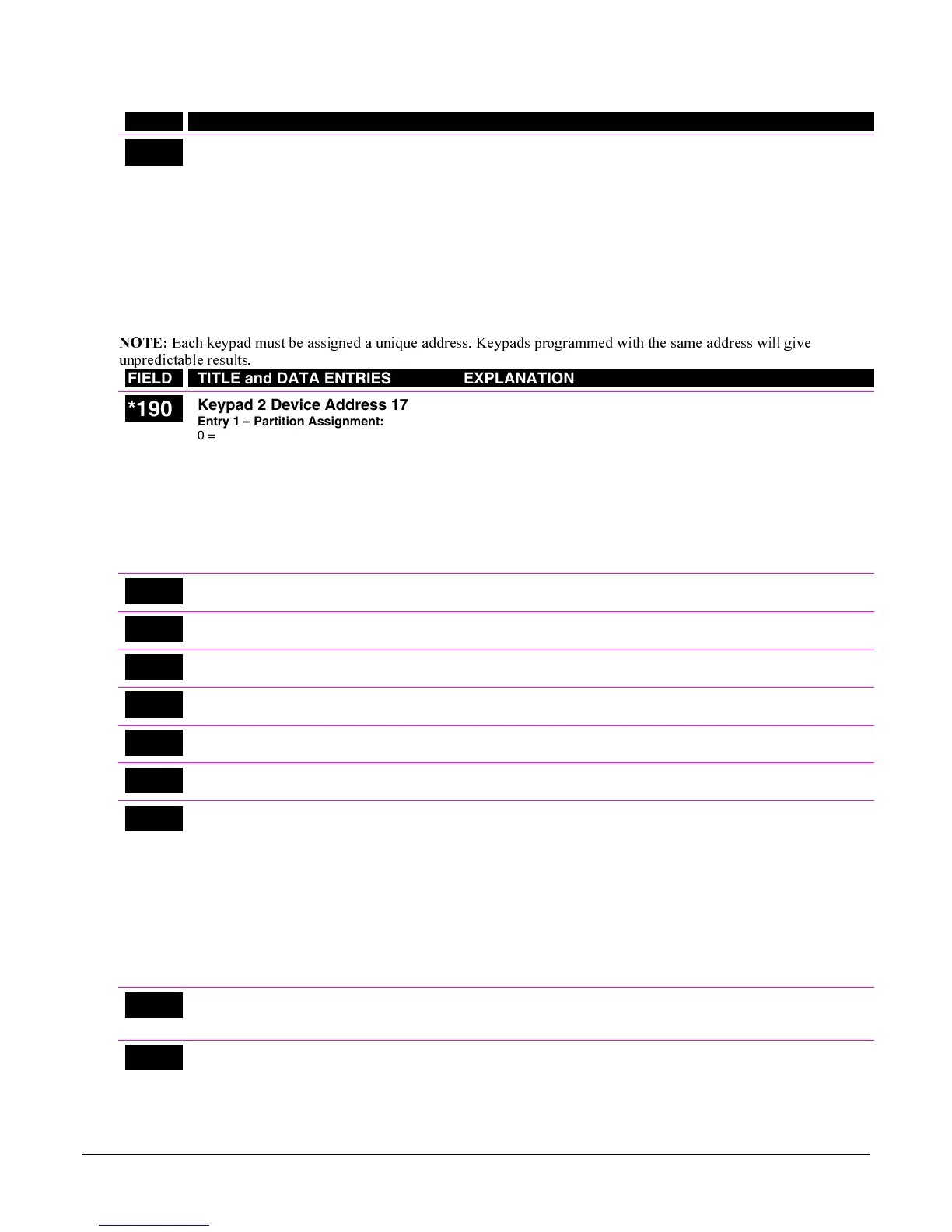
*190
Keypad 2 Device Address 17
Entry 1 – Partition Assignment:
0 = keypad disabled
1 = partition 1
(FA168CPS)
/enabled
(FA148CP)
2 = partition 2
3 = common
Entry 2 – Sound Option:
0 = no suppression
1 = suppress arm/disarm and E/E/ beeps
2 = suppress chime beeps only
3 = suppress arm/disarm, E/E/ beeps and
chime beeps
Keypad 2
Entry 1: For FA168CPS, enter the partition in which the keypad is
located; for FA148CP, enter 1 to enable, or 0 to disable.
Entry 2: Enter the desired sound option for this keypad.
NOTE: Address 16 is reserved for keypad 1, which is automatically
set to partition 1 with all sounds enabled.
*191
Keypad 3 Device Address 18
See field *190 for entries.
Keypad 3
See field *190 for explanation.
*192
Keypad 4 Device Address 19
See field *190 for entries.
Keypad 4
See field *190 for explanation..
*193
Keypad 5 Device Address 20
See field *190 for entries.
Keypad 5
See field *190 for explanation.
*194
Keypad 6 Device Address 21
See field *190 for entries.
Keypad 6
See field *190 for explanation.
*195
Keypad 7 Device Address 22
See field *190 for entries.
Keypad 7
See field *190 for explanation.
*196
Keypad 8 Device Address 23
See field *190 for entries.
Keypad 8
See field *190 for explanation.
*197
Exit Time Display Interval
0 = no display
1-5 = seconds between display updates
If enabled, keypads display the exit time remaining after arming the
system, with display updates at the interval selected (i.e. if the exit
delay is 30 seconds and “2” is selected in this field, the keypad display
refreshes every 2 seconds, displaying 30, 28, 26, 24, etc.).
An interval greater than “1” may be necessary for some older keypads
to allow users time to enter key presses between display updates.
FIXED-WORD KEYPAD NOTE: If using 2-digit display keypads
(e.g. FA245RF), do not use exit times greater than the 96-second delay
option. Using a longer delay time may cause end-user confusion
because 2-digit display keypads cannot display times greater than
“99.” If longer exit time is required by the installation, it is
recommended that the Exit Time Display option be disabled (“0”).
*198
Display Partition Number
0 = no
1 = yes
FA168CPS.
If selected, the partition number is displayed in the upper-left corner
of the display. This is useful when using the GOTO partition function.
*199
ECP Fail Display
0 = 3-digit display (“1” + device address)
1 = 2-digit fixed-display as “91”
Select “0” if using Alpha keypads and/or 3-digit Fixed-Word Display
keypads. ECP faults will display “1” plus the device address (00-30) of
device causing the fault (e.g., faults on device 07 display as “107”).
Select “1” if using 2-digit Fixed-Word Display keypads (e.g., certain
6128 series keypads). If selected, ECP faults for all devices will display
as “91” on 2-digit displays, and “191” on 3-digit or Alpha keypads.
4-13





 To Next Page