SUMMARY OF ARMING MODES
Features for Each Arming Mode
Arming Mode
Exit Delay
Entry Delay
Perimeter Armed
Interior Armed
AWAY
Yes
Yes
Yes
Yes
STAY
Yes
Yes
Yes
No
NIGHT-STAY
Yes
Yes
Yes
only those zones
listed in Night-
Stay zone list
INSTANT
Yes
No
Yes
No
MAXIMUM
Yes
No
Yes
Yes
Panic Keys
There are three Panic keys (A, B, and C) that, if programmed, can be used to manually initiate
alarms and send a report to the central station.
Each key can be programmed for 24-hour Silent, 24-hour Audible, Fire, or Personal Emergency
responses.
The programmed Panic response is activated when the appropriate key is pressed for at least 2
seconds.
The Panic keys are identified by the system as follows:
Keys
Displayed as Zone
[A]
(
∗
/1)
95
[B]
(
∗
/#)
99
[C]
(3/#)
96
IMPORTANT: For a Silent panic function (if programmed) to be of practical value, you must
program a report code for the zone and the system must be connected to a central station.
Setting the Real-Time Clock
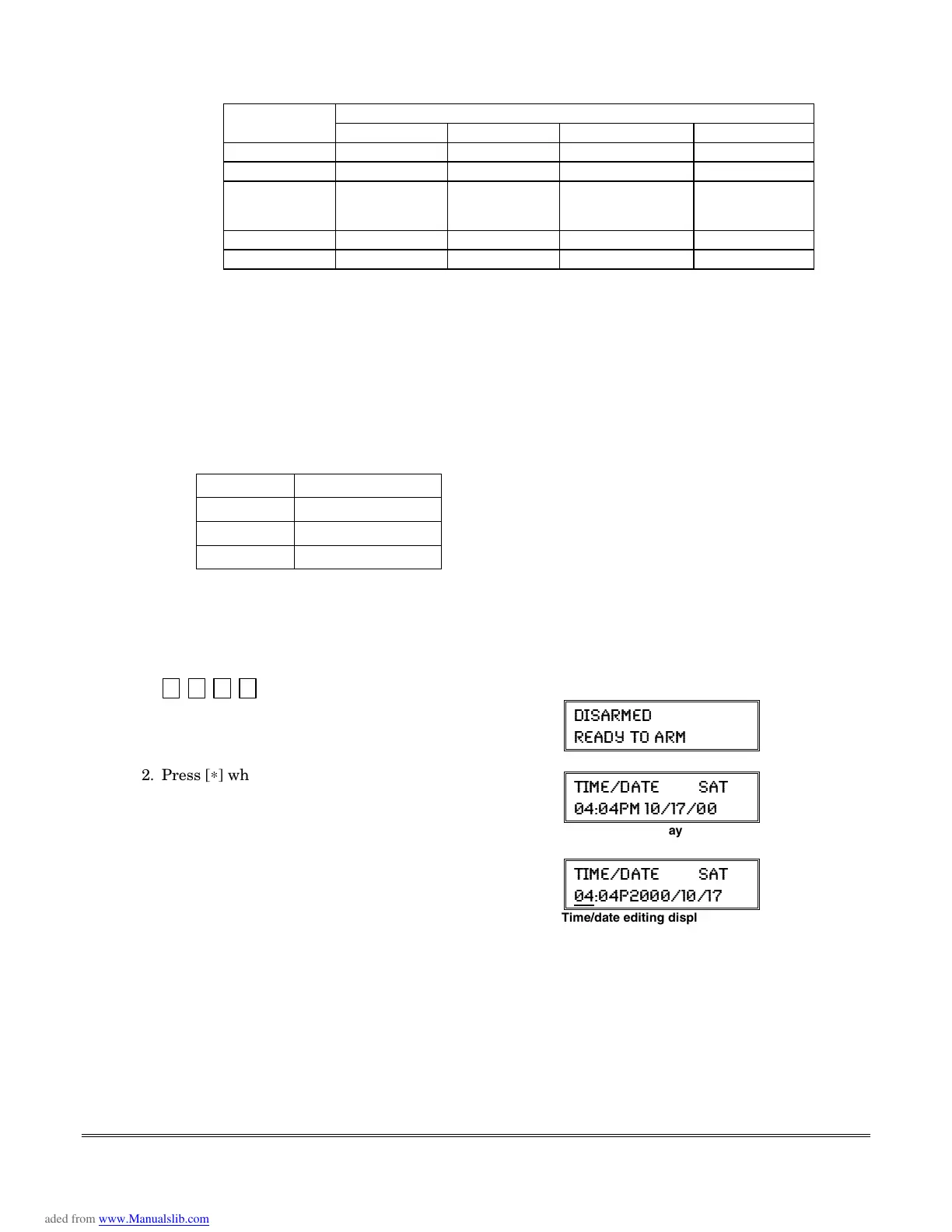
Set the time and date by doing the following:
1.
+[#] + [6] [3]
(Security Code)
Alpha Display:
(-7%61)(
6)%(= 83 %61
2. Press [
∗
] when the time/date is displayed.
A cursor appears under the first digit of the hour.
To move cursor ahead, press [
∗
]. To go back, press [#].
•
Enter the 2-digit hour setting.
•
Enter the 2-digit minute setting.
•
Press [1] for PM or [2] for AM.
•
Enter the last two digits of the current year.
•
Enter the 2-digit month setting.
•
Enter the 2-digit day setting.
3. To exit, press [
∗
] when cursor is at the last digit, or
wait 10 seconds.
8-1)(%8) 7%8
41
Current time display
8-1)(%8) 7%8
4
Time/date editing display
12-3





 To Next Page