SECTION 8
Function Key Programming
(
✱
57 Menu Mode)
•••••••••••••••••••••••••••••••••••••••
About Function Key Programming
The system provides the ability to program each of the four keypad function keys to perform one of
12 system operations. The end user can then activate the function by simply pressing and holding
the programmed key for 2 seconds. Typical functions (listed below) include single-button arming,
turning lights on/off, or single-button paging.
Programming Function Keys
Function key programming involves:
1. Assigning the function key number and partition;
2. Selecting the desired function for that key.
Start Function Key Programming mode by pressing
✱
57 while in Data Programming mode. The
following prompts are displayed:
PROMPT
VALID ENTRIES
EXPLANATION
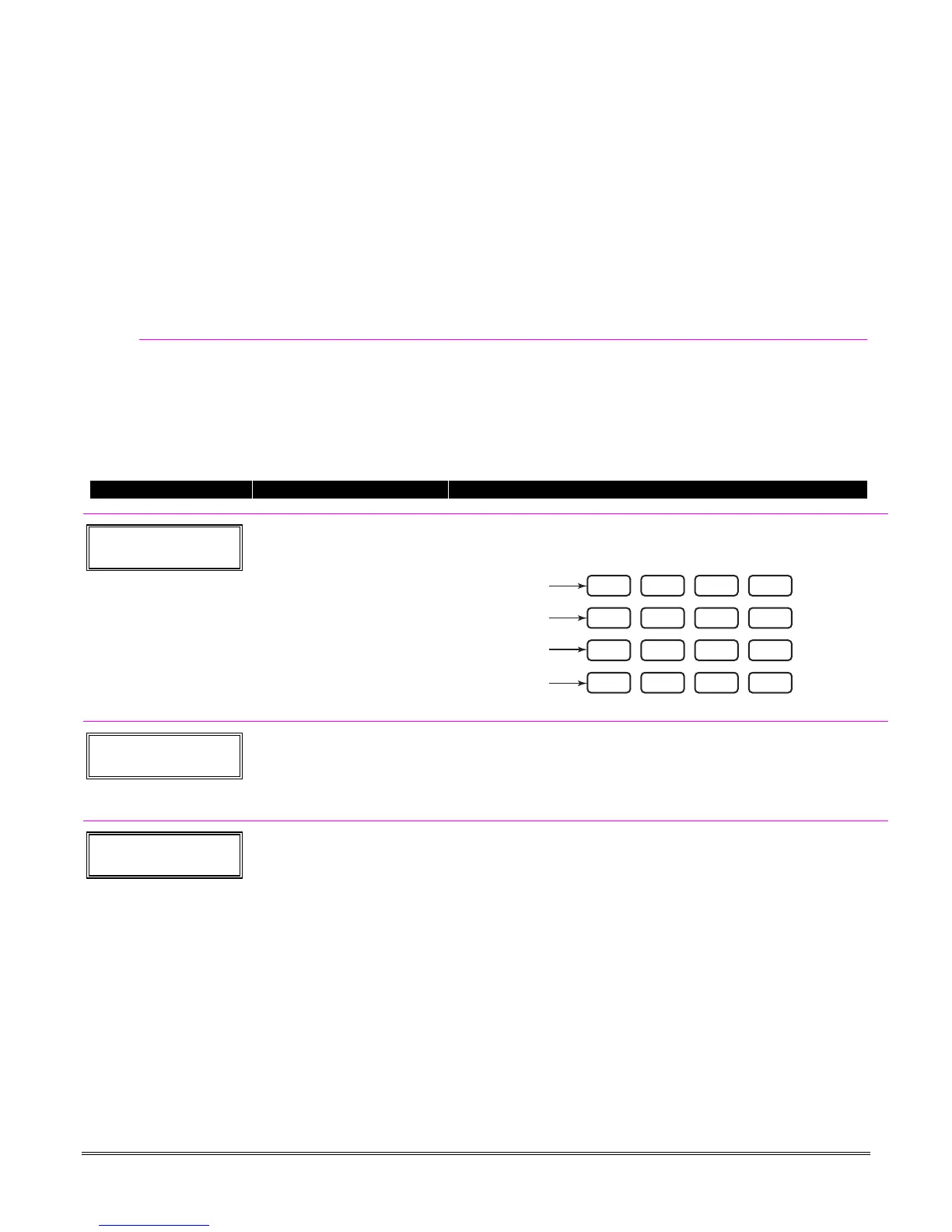
Press Key to Pgm
0 = Quit 0
Function Key
Press the desired function key,
A-D.
[
∗
] to continue
Press the desired function key (A-D) you want to program.
NOTE:
A key programmed as a function key is no longer available to be
used as an end-user macro key or panic key.
321
654
987
#0
*
READY
INSTANT
MAX
OFF
CODE
AWAY
TEST
CHECK
STAY
BYPASS
A
B
C
D
keypad_keys-00-001-V0
Partition
1
Partition Number
1 = partition 1
2 = partition 2
3 = common partition
[
∗
] to continue
Enter the partition in which the function key is active.
Key "A" Func
Zone 95 00
Define Key Function
00-12 = see list to right
[
∗
] to continue
Returns to key number prompt
with the next function key letter
displayed.
† System defaults to these
function key settings.
†† Macros 11-12 apply to
FA168CPS only.
††† If night-stay zones are
listed in zone list 5.
Enter the desired function for this key, 00 to 12, from the options listed.
(00 selected for example display shown at left)
00
†
= For the Function key selected, the function will be as follows:
If A selected = Zone 95 (emergency key, same as [1] [
∗
] pair)
If B selected = Zone 99 (emergency key, same as [
∗
] [#] pair)
If C selected = Zone 96 (emergency key, same as [3] [#] pair)
If D selected = Single-button paging
01 = Single-button paging (sends a 999-9999 message to pager)
02 = Display time
03 = Arm AWAY (reports as User 00 if closing reports are enabled)
04 = Arm STAY (reports as User 00 if closing reports are enabled)
05 = Arm NIGHT-STAY
†††
(reports asUser 00 if closing reports enabled)
06 = Step Arming (arms STAY, then NIGHT-STAY
†††
, then AWAY)
07 = Output Device Command (for device programmed as system
operation type 66–function key in *80 Menu Mode)
08 = Communication Test (sends Contact ID code 601)
09 = Macro Key 1 (define macro by user code + [#] [6] [6] command)
10 = Macro Key 2 (define macro by user code + [#] [6] [6] command)
11 = Macro Key 3
††
(define macro by user code + [#] [6] [6] command)
12 = Macro Key 4
††
(define macro by user code + [#] [6] [6] command)
8-1





 To Next Page