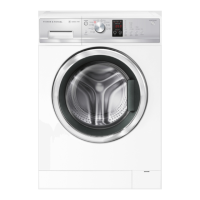
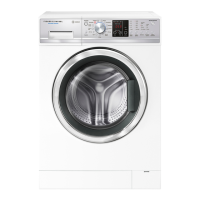
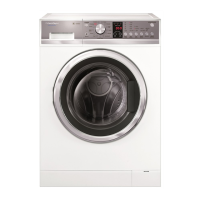
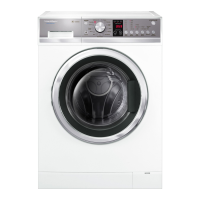
479646
13
5 OPERATION
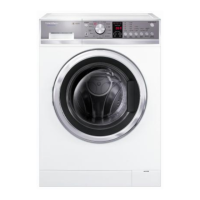
5.1 Control Panel Layout
WH8560J1/WH75J1 (QuickSmart)
Power Button
Used to switch washer on and off.
Key Lock
Activated and deactivated by pressing the KEY LOCK button for 2 seconds. Once activated, the light above
the button is illuminated.
Program Knob
Rotary action with up to 13 programs dependent on model.
Delay Start
Enables delay of the the start of the wash cycle from between 5 minutes and 12 hours. To program the
delay start time simply use the MORE button to increase and the LESS button to decrease the time or
to turn the delay start off.
Display Screen
Displays the remaining wash time, user warning, any error messages and wash progress.
Wash Temperature
Used to select wash temperatures which are adjustable from cold to 90
o
C but is dependent on wash cycle
selected.
Spin Speed
Used to select desired spin speed between no spin and 1400 rpm but is dependent on model and the wash
cycle selected.
Soil Level (P models only)
Used for adjusting the wash to suit the amount of soil in the load. Heavy for dirty clothes, Light for lightly
soiled clothes. These adjust the wash time accordingly.
Wash Boost
Allows the selection of an extra rinse (Rinse +) to the program and/or a Pre Wash for extra dirty loads.



 To Next Page
 Loading...