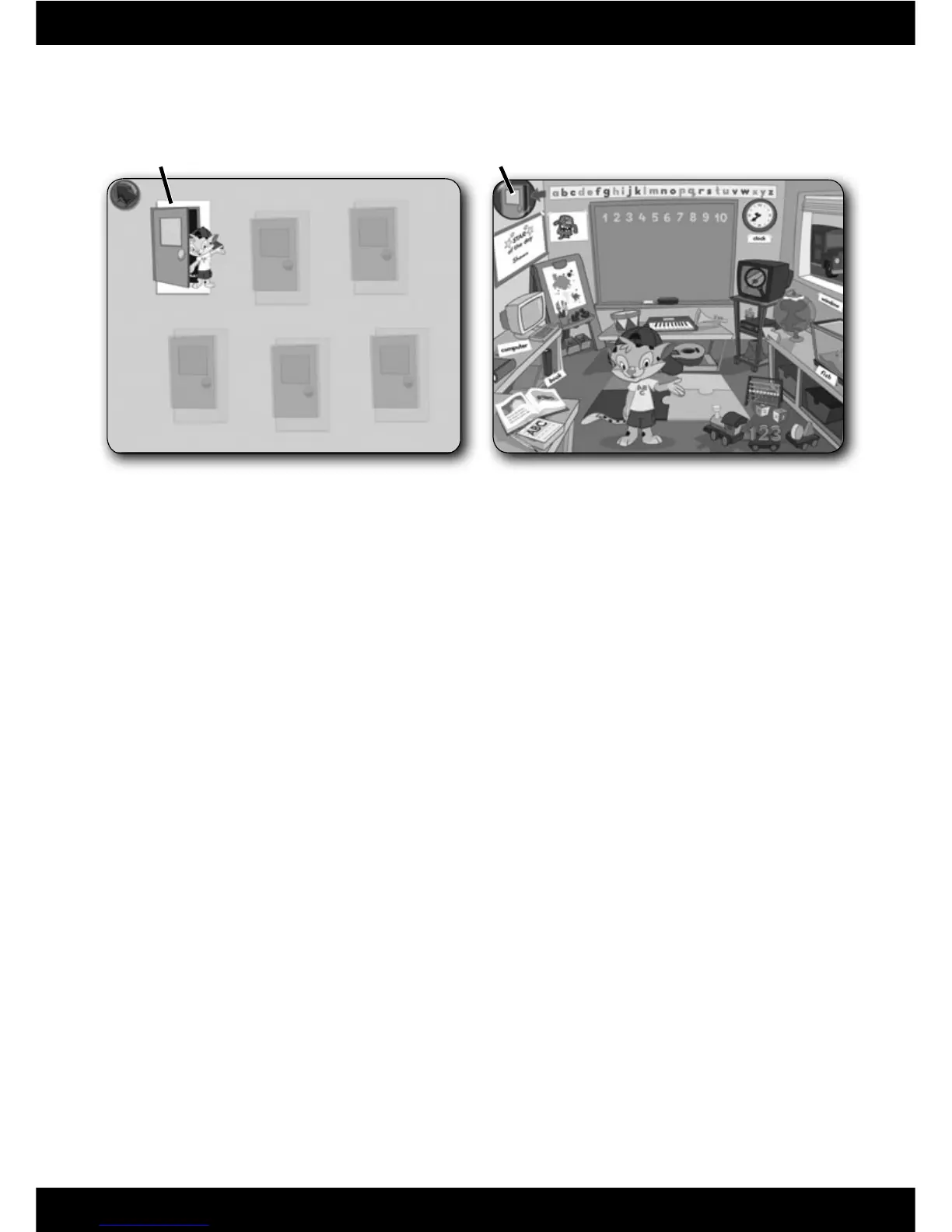
• To enter the classroom, fi rst sign-in (see page 9). Next, click on Leo’s door
to go to the classroom.
• Move the pen on the tablet to explore the classroom. Press the tip of
the pen straight down and then release to make selections.
• Press any learning centre button on the Computer Cool School
™
keyboard
to enter an activity.
• Click on the exit button to return to the software selection screen.
14
Classroom
Exit Button
Classroom ScreenSoftware Selection Screen
Leo’s Door







 To Next Page