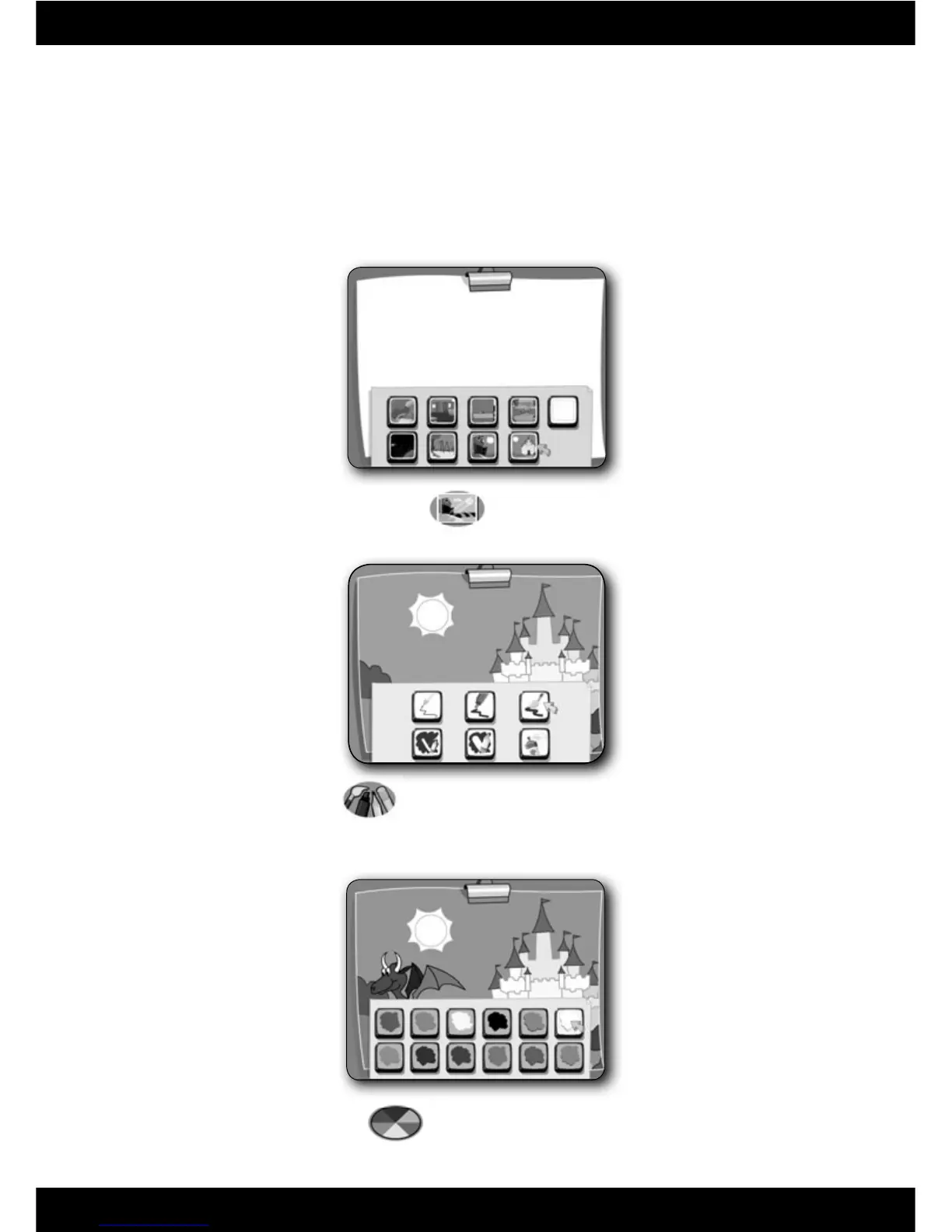
Tools – Press this button to choose an effect for your pen: pencil,
marker, paintbrush, spray paint or erasers.
Colours – Press this button to choose the colour for your tool.
• Use the pen and the writing tablet to draw pictures.
• Press the buttons above the writing tablet on the Computer Cool School
™
keyboard to customize your pictures.
Art Centre





 To Next Page