15
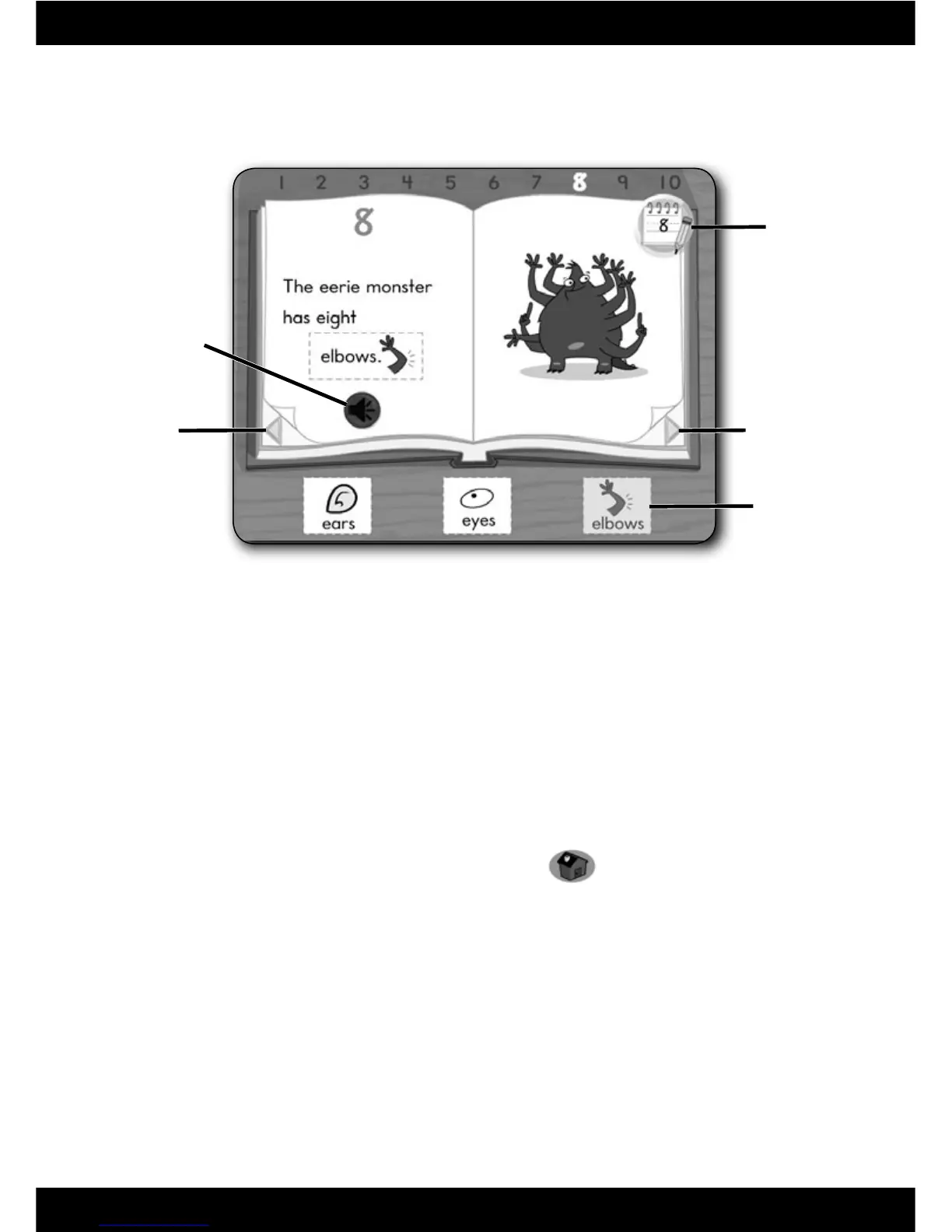
Repeat Button
Back Arrow
Forward Arrow
Stickers
Reading and Writing Centre
Writing Icon
Reading Centre
• Listen to the sentence and click on a sticker to complete the sentence.
Pick a different sticker for a new sentence!
Note: Click on the repeat button to hear the sentence again.
• Turn the page for the next letter or number. Click on an arrow on the
bottom of the page.
• Press a letter or number on the keyboard to go to that page.
• From the reading centre, click on the writing icon to practice writing your
letters and numbers.
• When fi nished, press the classroom button
on the
Computer Cool School
™
keyboard to return to the classroom or press
another learning centre button for a different activity.







 To Next Page