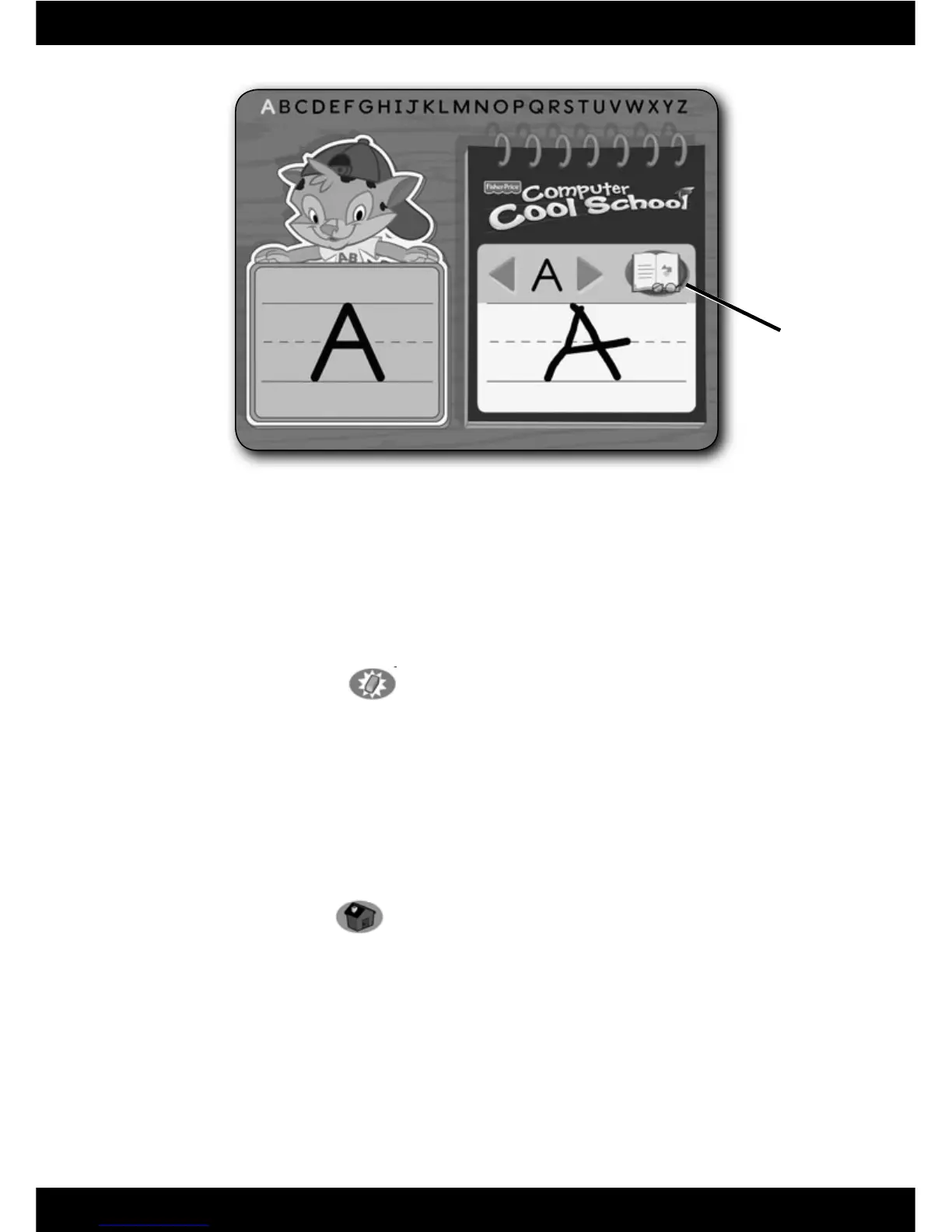
Writing Centre
• Listen for the name of the letter shown, the sound it makes and watch the
screen to see how to write it.
Note: For younger preschoolers, place the writing templates under the
writing tablet cover to trace the letters.
• Write the letter on the writing tablet.
• Press the Erase button
on the Computer Cool School
™
keyboard to
clear the screen and practice the same letter again.
• Click on the arrows to practice a different letter. Practice all the letters in
upper and lower case, then practice writing numbers!
Note: You can also press a letter or number on the keyboard. Press the
same button twice to shift from upper case to lower case, or press and
hold the SHIFT key with the letter button!
• When fi nished, click on the reading icon to return to the storybook. Press
the classroom button
on the Computer Cool School
™
keyboard
to return to the classroom or press another learning centre button for
a different activity.
16
Reading
Icon





 To Next Page