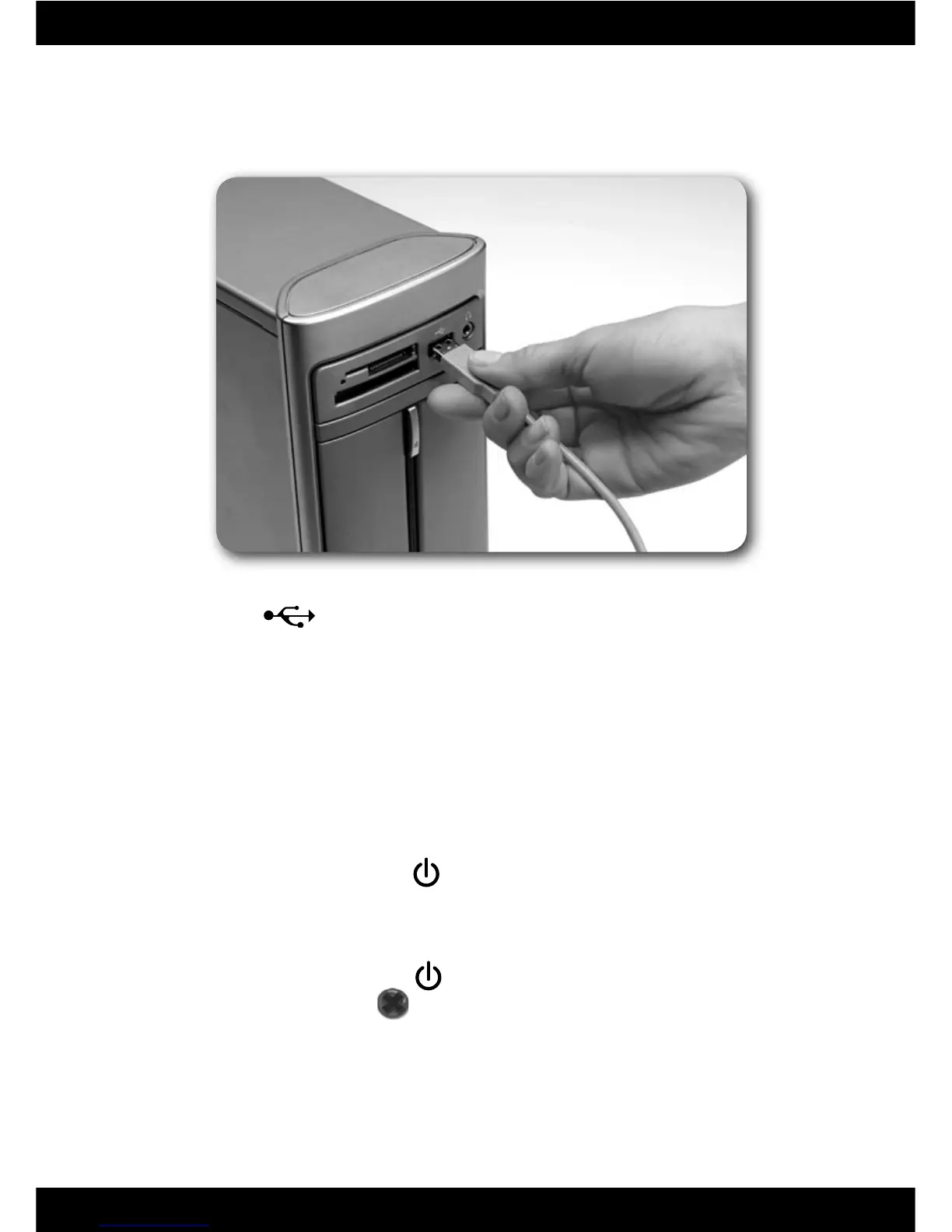
Connecting to Your Computer
• Insert the USB cord into the USB port on your computer, generally marked
with this symbol .
Note: If the USB plug does not seem to fi t into your computer USB port, turn it
over and try again!
7
Start/Exit the Software
Starting
• Press the system launch button located on the top of the
Computer Cool School
™
keyboard to launch the software.
Exiting
• Press the system launch button
on the Computer Cool School
™
keyboard to
exit the software, or click on
on the Sign-In screen.
• You can leave the Computer Cool School
™
keyboard plugged in until the next
time you use it, or you can unplug the USB cord from your computer.





 To Next Page