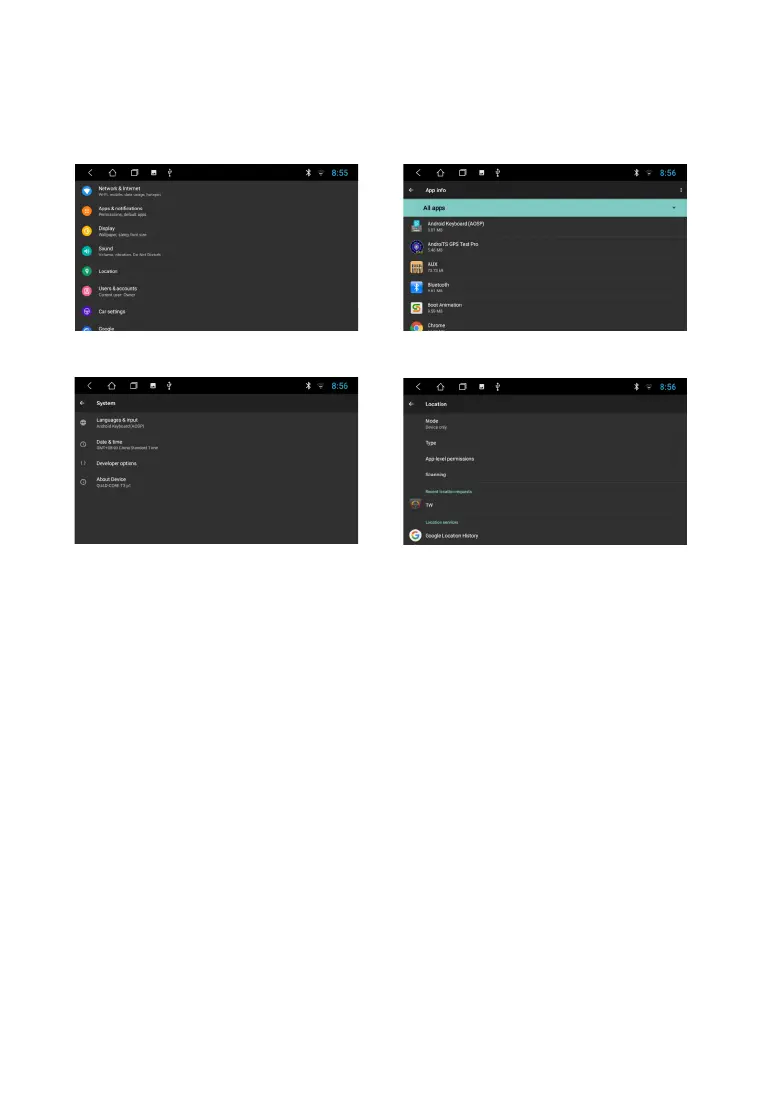
To enter the mode, touch the "Settings" icon.
S E T T I N G S
The settings available to the user allow you to adapt the device to individual preferences both in
terms of sound quality and communication, and in a wider range. More you can get detailed
information about the settings by reading the description to the publicly available Android system.
Note. Password to enter Extra settings mode: 123456
14



 To Next Page