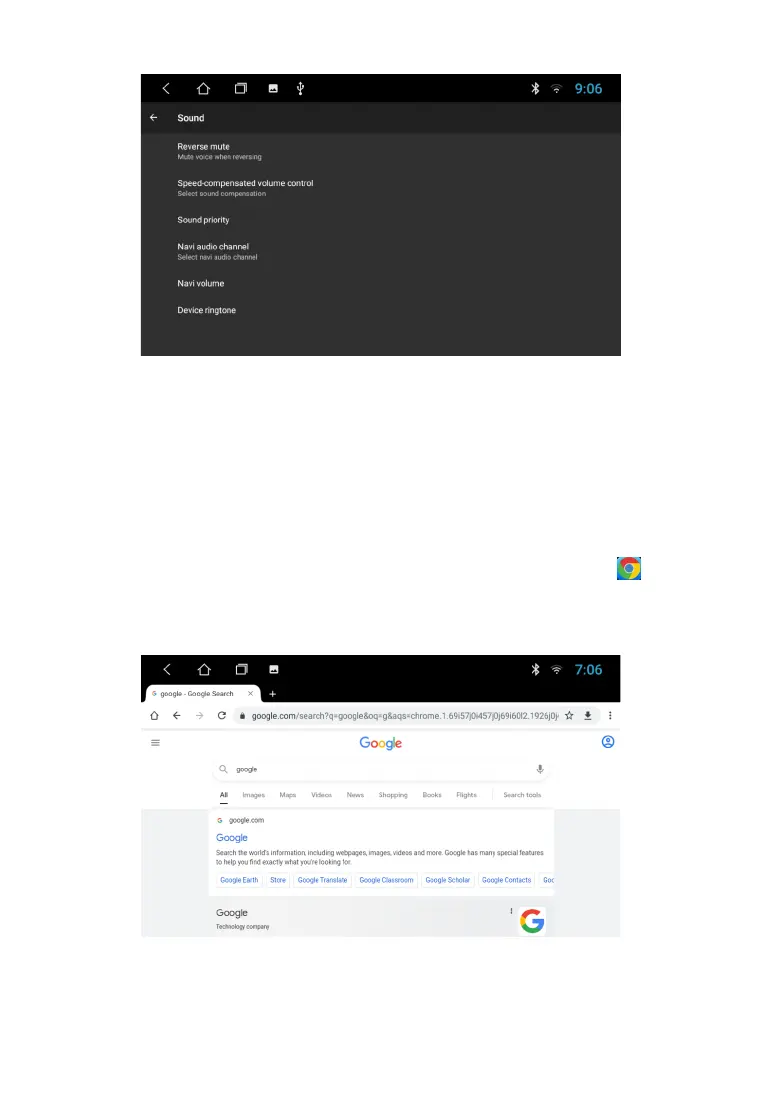
In addition, in the main settings of the device, by clicking on the "Sound" icon, the user can use the
option to set a separate volume level for different sources. You can also set the desired level of
listening to Navigator commands against the background of the music being played.
W E B B R O W S E R
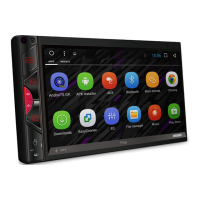
By default, the device has the Chrome browser installed. To launch the browser, tap icon
in the app menu. To use the browser, you must have an Internet connection via Wi-Fi or 3G/4G
(LTE).
21



 To Next Page