Figure 3.2.4 Entering user information
Step 2 : Enter this information and tap Next step. The screen for entering
agricultural vehicle information is displayed.
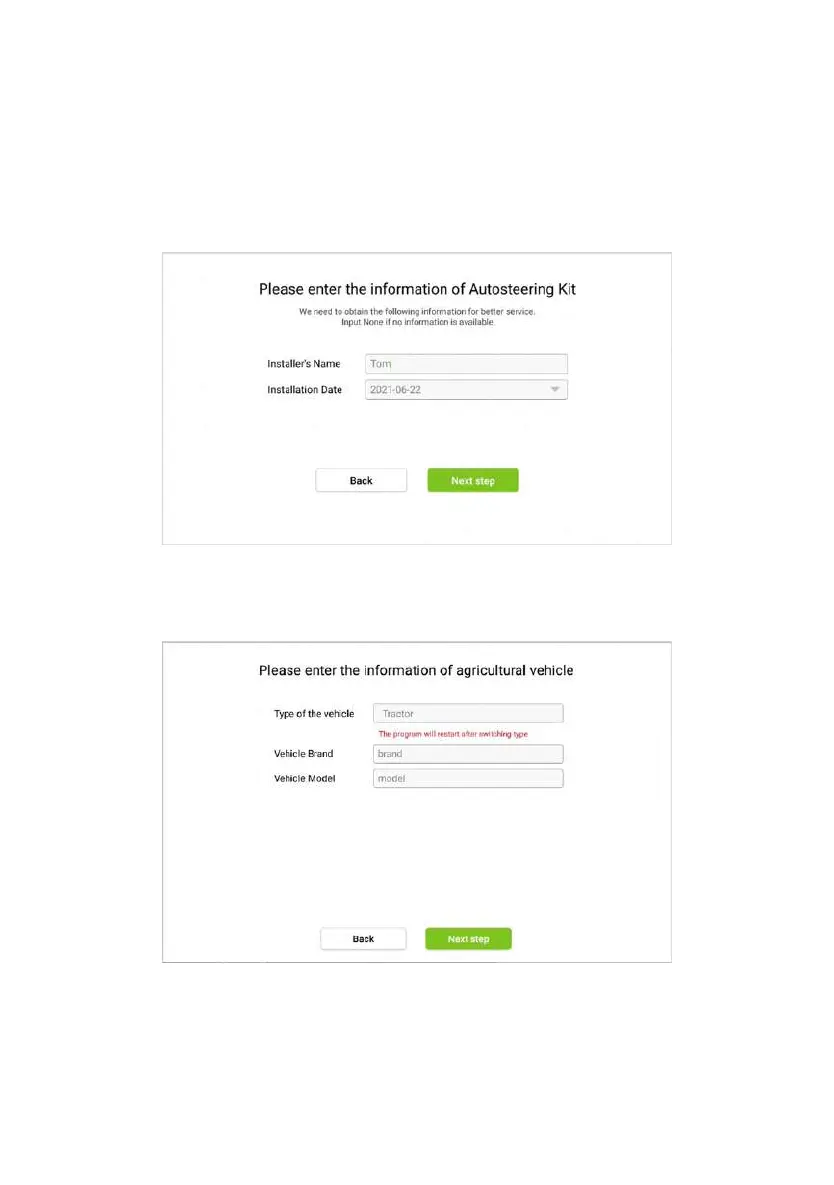
Figure 3.2.5 Entering Auto-kit information
Step 3:Specify all parameters about the agricultural vehicle and tap Next
step.
Figure 3.2.6 Entering agricultural vehicle information
©FJ Dynamics Technology Co., Ltd. All rights reserved.



 To Next Page