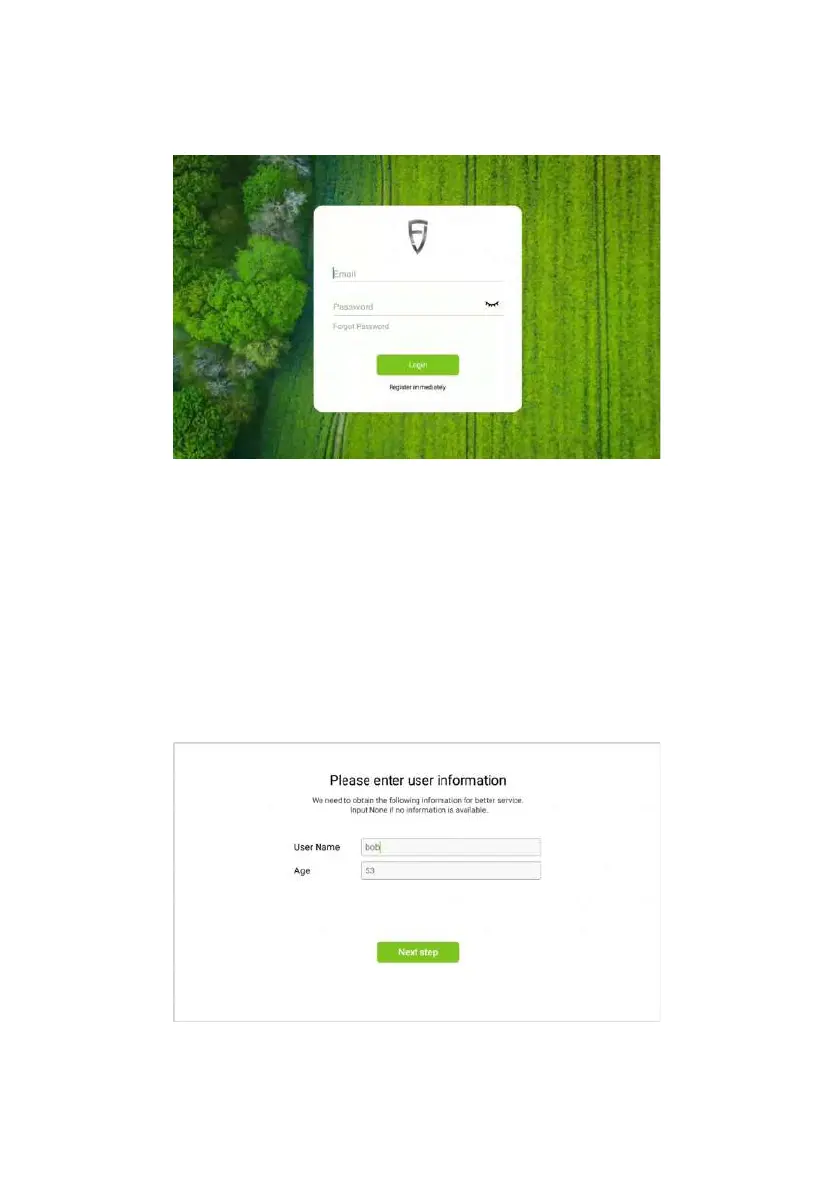
Figure 3.2.3 Home screen of login and registration
2.3 Entering Installation Information
After successfully registering and logging in for the first time, you need to
enter related installation information, user information and Auto-kit information.
Please note that the initial information you have entered will directly or indirectly
affect your after-sales service. Therefore, please strictly follow the following
procedure:
Step 1 : Enter user information after the successful user registration and
tap Next step.
©FJ Dynamics Technology Co., Ltd. All rights reserved.



 To Next Page