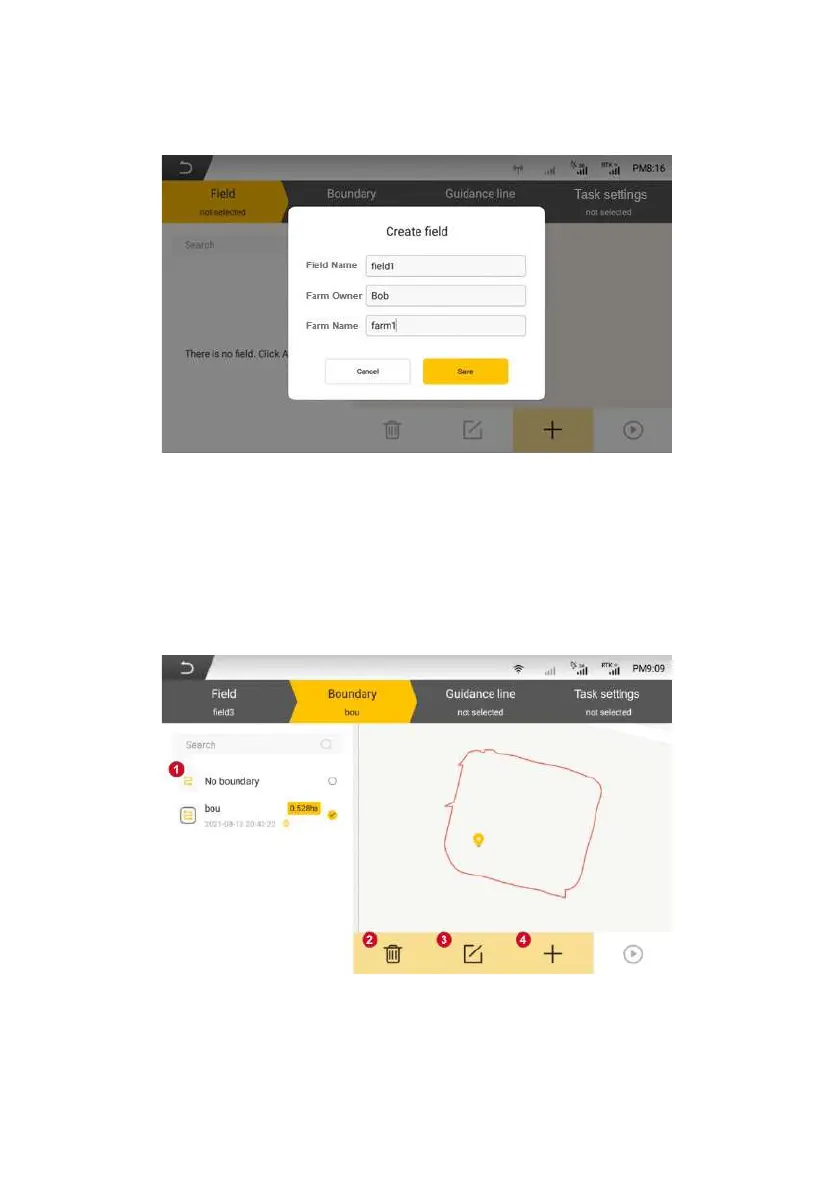
Figure 3.3.22 Interface for adding field
3.2.3 Add and Select Boundary
Click boundary item to add and select the boundary required by the
operation in the list. If the operation does not require a boundary, user can select
the "No boundary" option.
The configuration boundary interface is shown in the figure below:
Figure 3.3.23 Interface for configuring boundary
©FJ Dynamics Technology Co., Ltd. All rights reserved.



 To Next Page