1. Boundary list: Display the existing boundary, including name of
boundary, the workable area enclosed and the creation time.
2. Delete boundary: After selecting the boundary, click "Delete" icon, and
the deleted items can be restored in the recycle bin within 30 days after deletion.
For details about the recycle bin, please refer to the introduction of the recycle
bin in 5.3.7 System Settings.
3. Modify boundary name: Click to modify the selected boundary name
4. Add boundary: Click to enter the interface of adding boundary and
guidance line.
Add boundary
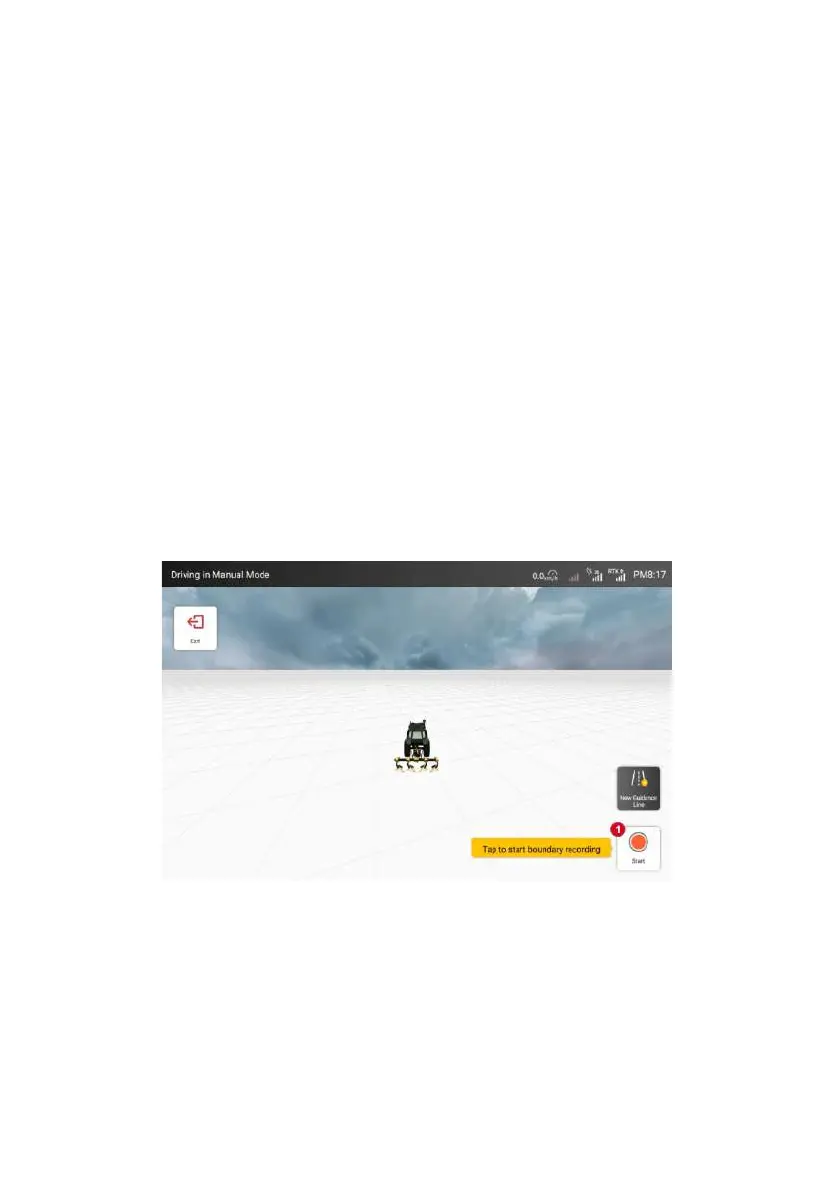
As shown in the figure below, follow the prompts to Click "Start Recording"
button to start driving the agricultural machine around the field edge to record the
field boundary.
Figure 3.3.24 Interface for adding boundary
After finishing recording, Click "Pause Recording" button, and then Click
"Save" button.
©FJ Dynamics Technology Co., Ltd. All rights reserved.



 To Next Page