Step 4: Measuring error: use a tape measure to measure the distance
between the two marking lines, and record the value a (unit: m)
Step 5: Please enter a value in the interface of "Positioning Antenna-Central
Axis Distance", and click "OK" to complete the corresponding positioning
antenna spacing calibration.
5.3.5 Parameter Setting
Choose Settings -> Parameter Settings. On the displayed screen, you can
set Angle Sensor, Vehicle Calibration and Calibration of Accessories to ensure
operational accuracy.
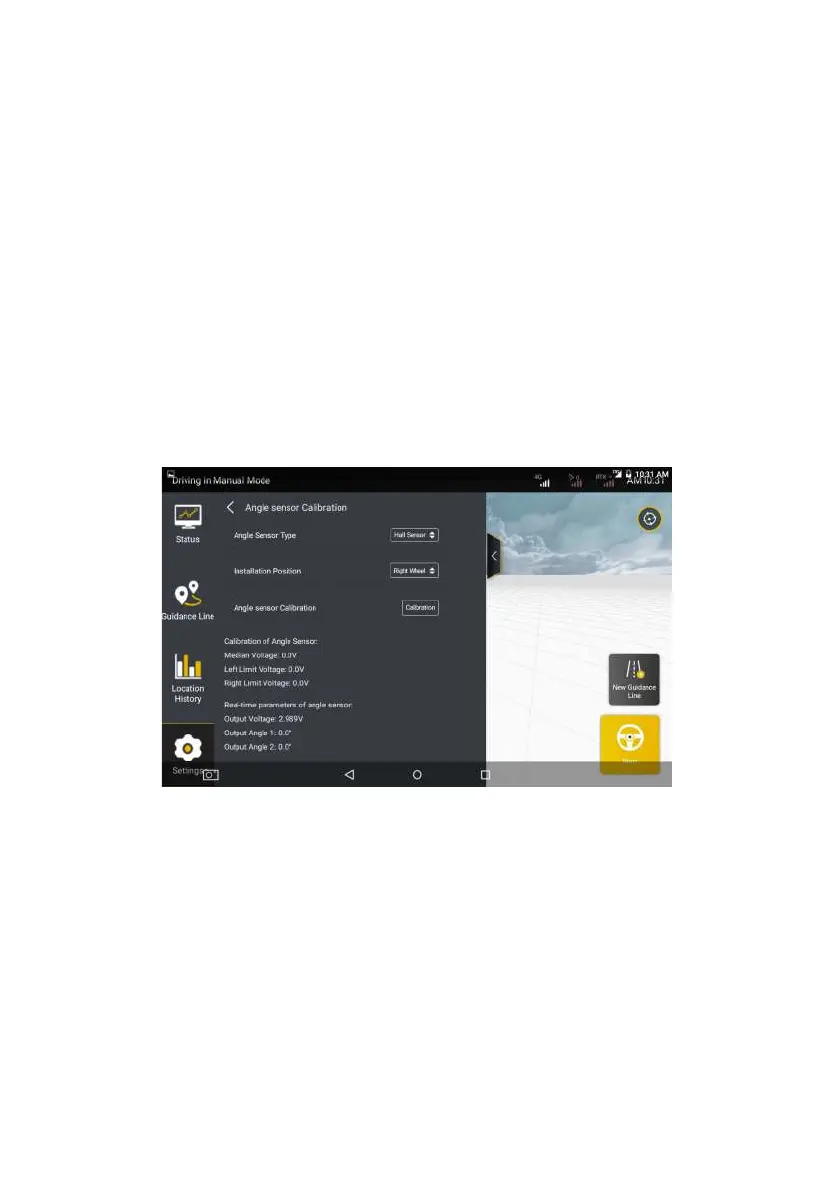
Angle Sensor
Figure 3.5.11 Angle sensor settings
Tap the Angle Sensor Calicration tab in parameter calibration page. On the
displayed details screen, set Angle Sensor Type, Installation Position and tap
Calibration to calibrate the angle sensor in this position. For details, see section
2.5 “Calibrate the angle sensor” in Chapter IV “Software Operation
Instructions of In-vehicle Control Terminal”
©FJ Dynamics Technology Co., Ltd. All rights reserved.



 To Next Page