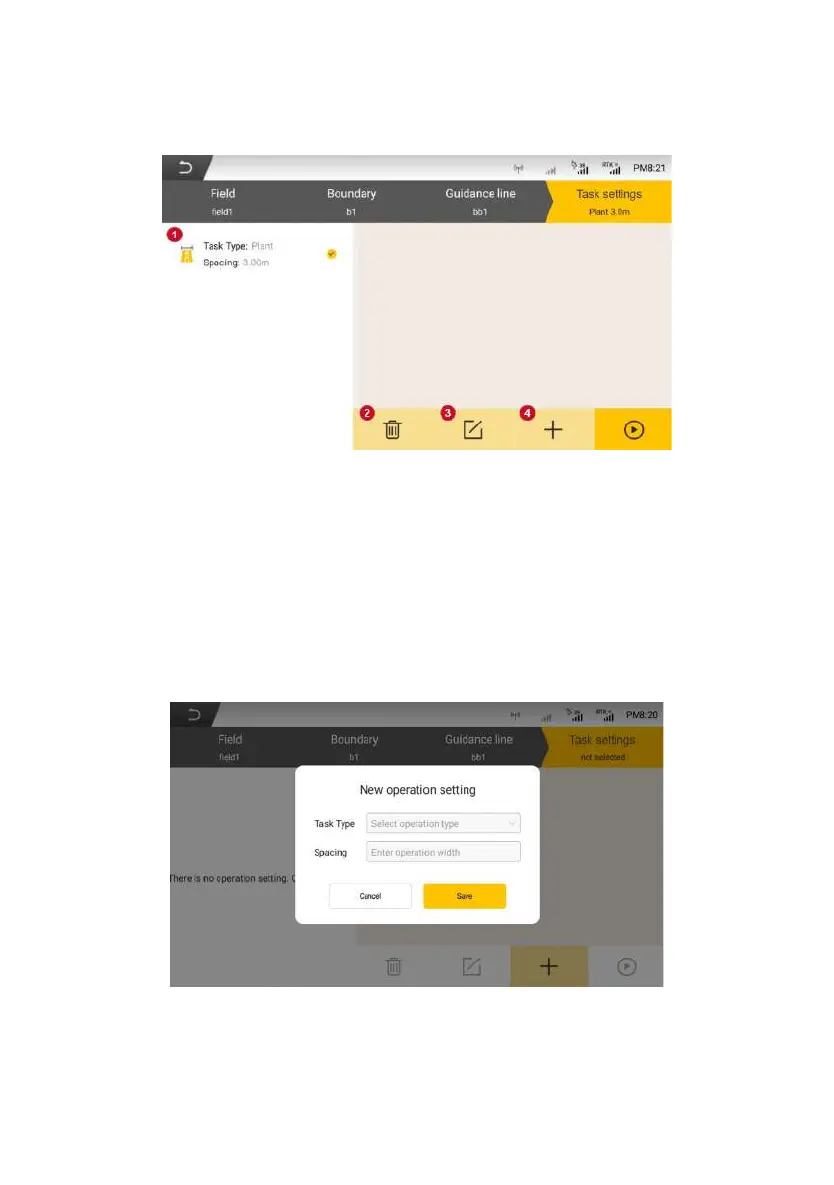
Figure 3.3.28 Setting Interface for configuring operation
1. Task settings list: Task settings that has been created.
2. Delete task setting: Delete the selected task setting, which cannot be
restored after deletion.
3. Modify task setting: Modify the operation type and operation width of the
selected task setting.
4. Add task setting: Add new task setting, which requires filling in the
operation type and operation width.
Figure 3.3.29 Setting interface for adding operation
©FJ Dynamics Technology Co., Ltd. All rights reserved.



 To Next Page